


By CauCajun Saint
With always-online games and the desire to include the entire gaming experience on one screen per player, couch co-op experiences from my youth faded into memory. Then, I had a kid of my own, and the desire to sit next to her and play games together grew as she grew up, but I didn’t know what age she would be ready to play, nor what games she could play first.

Our first foray into the games side of my XBox One was Kinect games. Throwing on Dance Central Spotlight and letting her try to match the on-screen character’s moves was more of a cute inside activity than an actual game interaction. She enjoyed it, and we got some good recordings of her.
She wanted to try other games, so we ventured deeper into the Kinect catalog. Kinect Sports Rivals had bowling, rock climbing, and tennis, with bowling and it’s heavy auto-aim being the main choice.

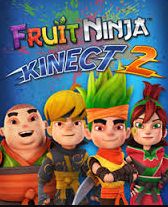
Fruit Ninja came in like a rush of energy. Standing side by side with her swiping away at fruit became the “Fruit Game” or “Cut the Vegetables,” even though no vegetables exist in Fruit Ninja.
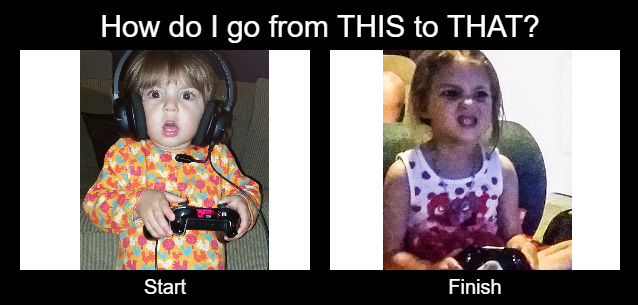
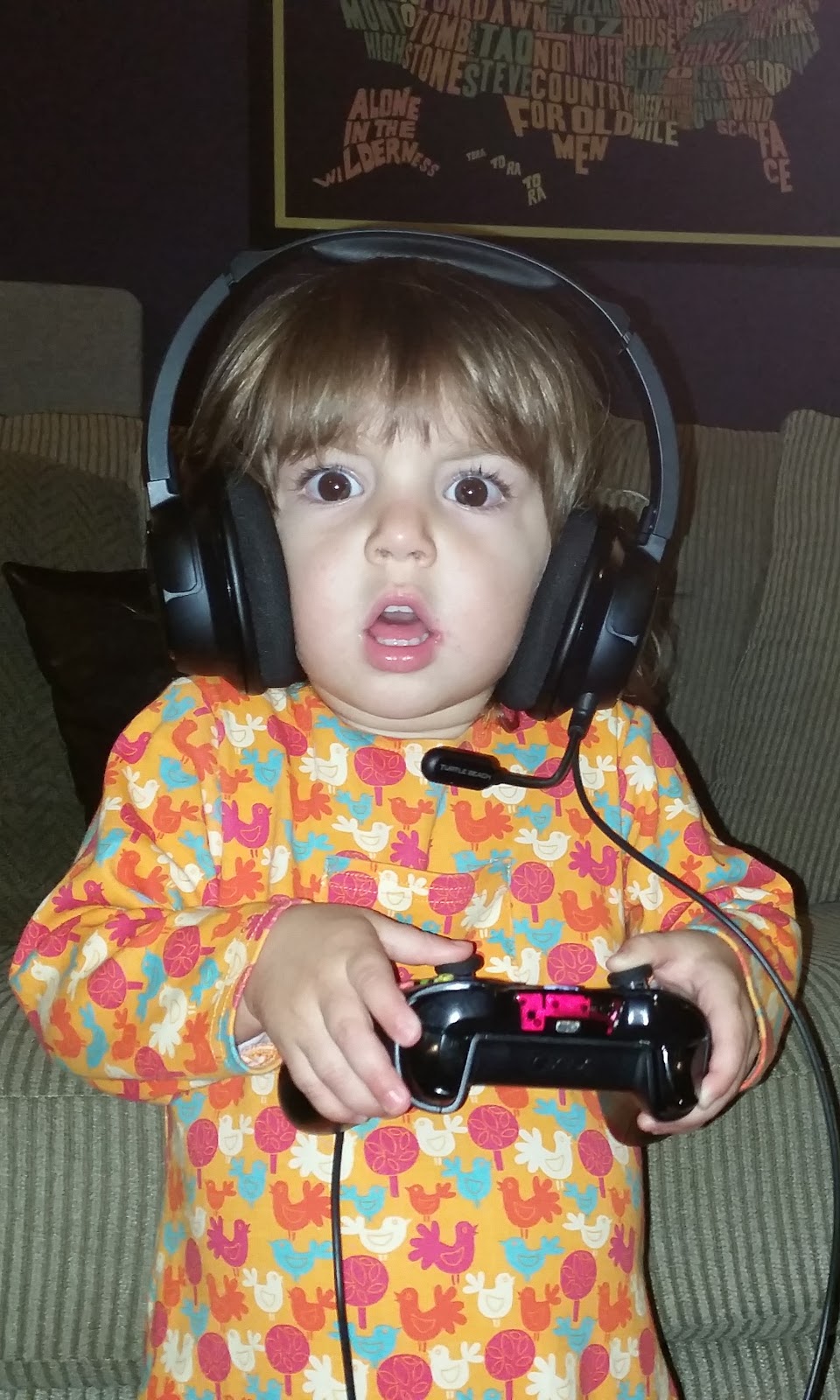
All of these Kinect Games soon became “toddler” games for this toddler who wants to do everything big kids and adults do. What games do big kids and adults play? Games with controllers in hand was the answer. “Can I play a game with THIS Daddy,” she asked as she held an old controller. What games exist that she could play with her unknown controller skill set?
Soon she was taking over the game selection based purely on cover art. Thank goodness for all those free games of the month I downloaded from Games with Gold. She stood a foot away from the big screen pointing to game after game to try. This went on for weeks.

Colorful platformers dominated her Trials of Toddler Skills. The tutorials and early levels made each game seem like a good fit, but soon complicated maneuvers, mechanics, or RPG elements ruled each game outside of her skill range.
Soon the path forward was becoming highlighted. She could not advance past the complicated skill jumps these games inherently possessed. If she couldn’t get past a level herself, then she couldn’t get past the next level which would include the previous maneuver she couldn’t do and then a new maneuver. The result was handing the controller back to Daddy and asking, “Daddy Do?” These roadblocks were not beneficial to either of us.
What game could I play side by side with her and pull her through as she, or until she, figured IT out? Into the Games with Gold back catalog we jumped and into the Waiting to Install list. Xbox 360 Back Compatible games were being scanned, then LEGO Star Wars: The Complete Saga was installed.
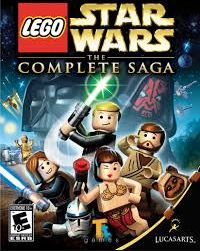
We sat side by side and landed upon a Trade Federation ship as the Jedi negotiators, only “the negotiations didn’t happen.” After a lot of “This Way” and “Follow Daddy,” I could see the endgame. Either watch Daddy do the maneuver, Daddy carries through the fight, or switch Player 2 to system controlled and let the system do the Player 2 actions. I just had to balance what was going to be too tough for her to learn versus pushing through and learning a new skill.
Over time we learned to double jump, attack, balance across beams, identify which character performs which action, which Lego structure does what, and how to build Lego structures. After 36 levels (6 levels per Star Wars movie over 6 movies), mission accomplished. I’d get home from work and get asked immediately, “Legos?”

The beauty of getting into the Lego video games is that there is a plethora of games in their catalog. Most of them have free demos to try first. We ended up going with the Jurassic World game next, playing through the 4 movies.
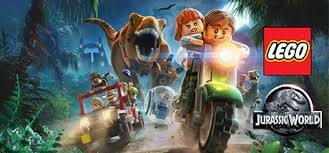
Two differences in the old school LEGO games like Stars Wars vs new school like Jurassic World:
- Open World between levels
- Star Wars just had themed cantinas for each movie from which you can pick which level to play.
- Jurassic World had an open theme park for each movie with areas you can only access after you’ve unlocked a certain character or dinosaur, which allowed for replay ability past the story levels.
- The Open World does require dual thumbstick skill, as the camera is player-controlled, instead of system-controlled like the Star Wars and Jurassic World story levels.
- Dynamic Split Screen
- If my toddler and I went in different directions in Star Wars, the screen would block us out and neither could go further. One of us would have to adjust.
- In Jurassic World when we went in different directions during a level the screen would dynamically split, and then return to one screen once we were close again.
- In the open world, the screen was a permanent vertical split.
- The Dynamic Split Screen improvement looked to arrive in the LEGO series with Indiana Jones 2 game and the Harry Potter: Years 1-4.
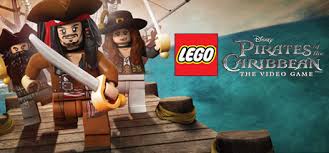
On July 16, 2017, Xbox Live released LEGO: Pirates of the Caribbean for free with July’s Games with Gold. It has already been picked up, and I am enjoying taking the tutelage to the next level watching her try to play through levels solo with Coach Daddy giving advice.
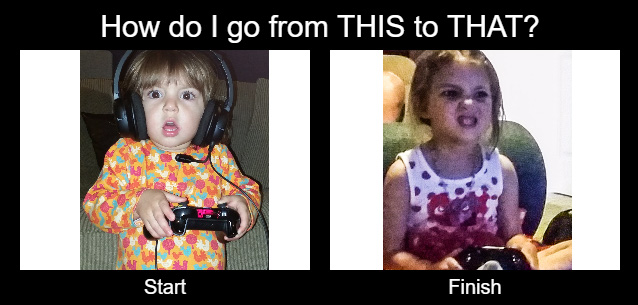
There are times she reminds me of a toddler when she is fighting to NOT eat her food. Then there are times she reminds of the person she is growing into by perfectly recognizing in-game cues and solving a little puzzle. As I write this, she is actively avoiding eating her PB&J and whispering, “I wanna go play LEGOS.”

- CommunityEditorial
 PlayStation exclusive Godfall coming to Xbox Series X|S and Xbox One
March 21, 2022
- CommunityNews
 The Rectify Stream Team raised $5,000 for the kids in 2019
November 5, 2019
- CommunityNews
 Announcing Rectify’s Third Extra Life Event In 2019
October 30, 2019
- CommunityNews
 Rectify’s Twitch Team Raises $3,355 In 36 Hours For The Kids
July 15, 2019
