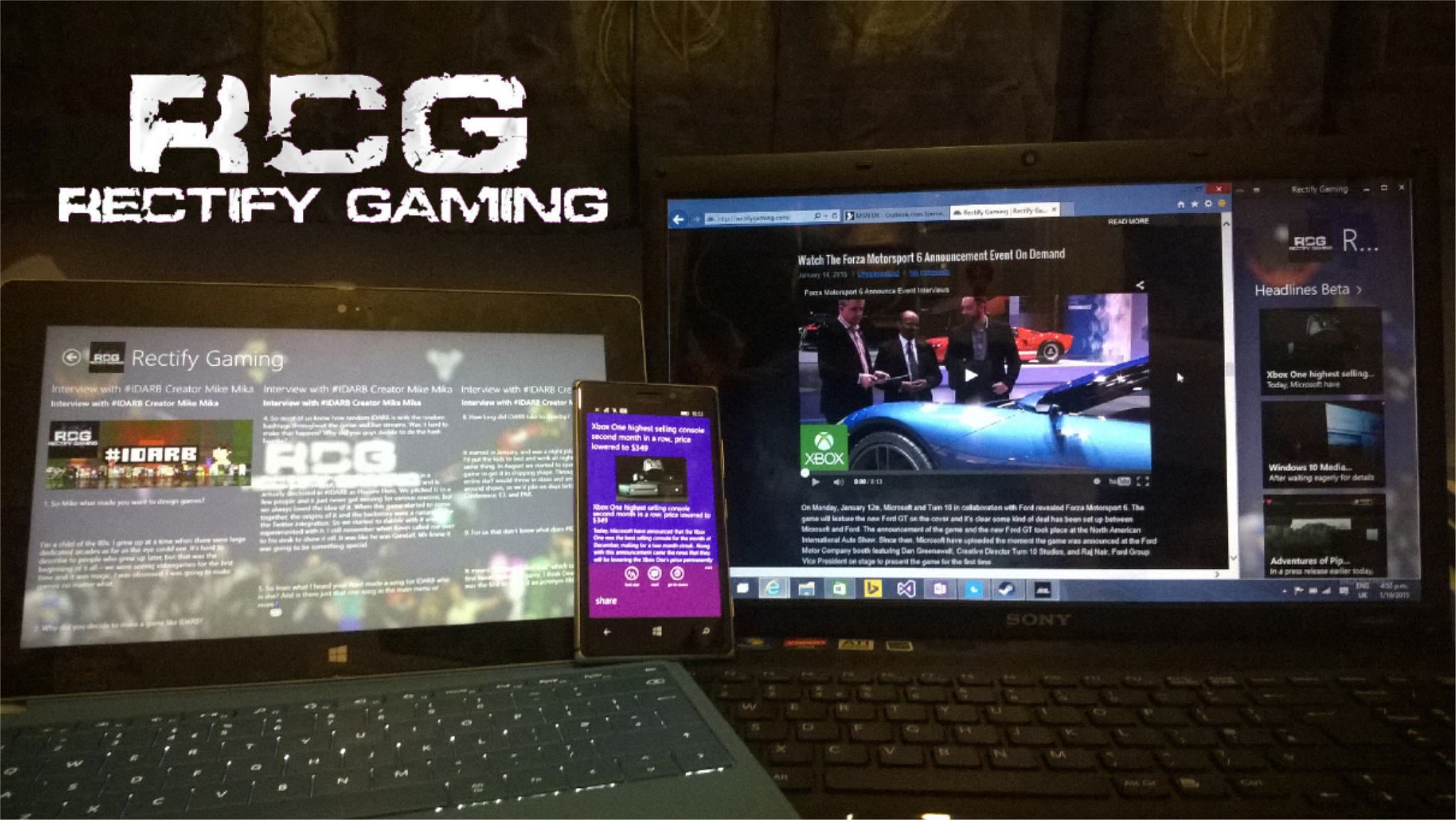
- Download the Rectify Gaming App for Windows RT/8.1 here.
- Download the Rectify Gaming App for Windows Phone 8.0/8.1 here.
- Further Note, January 2015 Update only has just launched and may take some time before it shows up on your device.
In the use of our Application, Rectify Gaming respects all privacy concerns. Our policy can be found here: http://rectifygaming.com/private-policy/
When we switched hosts from Enjiin to WordPress for our Rectify Gaming website, this broke some features in the Rectify Gaming App for Windows including ‘Headlines’ and our forums/members links in ‘Extras’. Many of you noticed these features missing, especially ‘Headlines’ which I received numerous reports about and I was delighted to see how many of you use this App everyday such as when you’re on your way to work/school on the bus, to quickly check the news or catch up on reports when drinking a coffee while using your Surface. I’m thankful to see the amount of attention our App has received as we’ve recently passed a total of over 125 downloads across Windows Phone and Windows RT/8.1.
Today, January 16th I’m fixing the all the bugs that were caused when we switched hosts. Once you receive the newest update on your Windows device(s), you’ll notice some great improvements to the feature, however the feature is not complete and therefore I’m launching it with a “Beta” tag to signify it’s still being worked on. As I plan on integrating full articles into the App, you may start seeing the first paragraph or two of some articles in the App. However, we also added some new features such as the ability to watch Metro and TwiztedShotTV’s personal channels, as well as a new ‘Interviews’ hub under Extras, where you can find all our written interviews, starting with out popular Mike Mika interview from earlier this week.
Also in this build, I’ve chosen to add advertisements, provided by the Microsoft/Bing Advertising Platform. I had two choices, make a $1 fee for future App downloads or keep it free with adverts. So I chose the latter as I feel it’s the best decision for everyone. This means you will see ads show up within the App, but I’ve tried my best to make sure they do not get in the way. As you may know, making an App with regular continuous updates isn’t easy and is indeed very time consuming. The Ads will go towards ensuring the App and overall Rectify Gaming service continue to grow. Note: Some Windows RT/8.1 users may not have Ads show up in the Advertisement section, I’m working to get this fixed.
However, with all good news must come some bad news. I’ve started increasing focus on Windows Phone 8.1 Development which means I’m dropping support for 8.0. That probably won’t affect many of you though (except ICON users on Verizon, 8.1 is launching soon for you!). If it does affect you though, feel free to let me know and inform me why you haven’t upgraded to 8.1 yet. If I feel demand is high, I will keep up support for 8.0 for another update or two, however, it remains easier for myself to focus on 8.1 and Windows 10.
Here’s the full changelog for the Rectify Gaming January 2015 Windows App Update:
- Replaced the RSS Feed generated in the ‘Headlines’ section so it retrieves data from the new rectifygaming.com
- Replaced the Twitter Data Source where data now comes directly from Twitter and not passed through an RSS Feed. This should prevent occurrences of the feature breaking. I’ve also made to look more presentable and tweets should be easier to read. Clicking on a tweet will now open it on your web browser.
- Replaced the links for ‘Forums’ and ‘Members’ in the ‘Extras’ Hub so they bring you to the updated rectifygaming.com
- Added back the Rectify Gaming Instagram feed to the ‘Extras’ section.
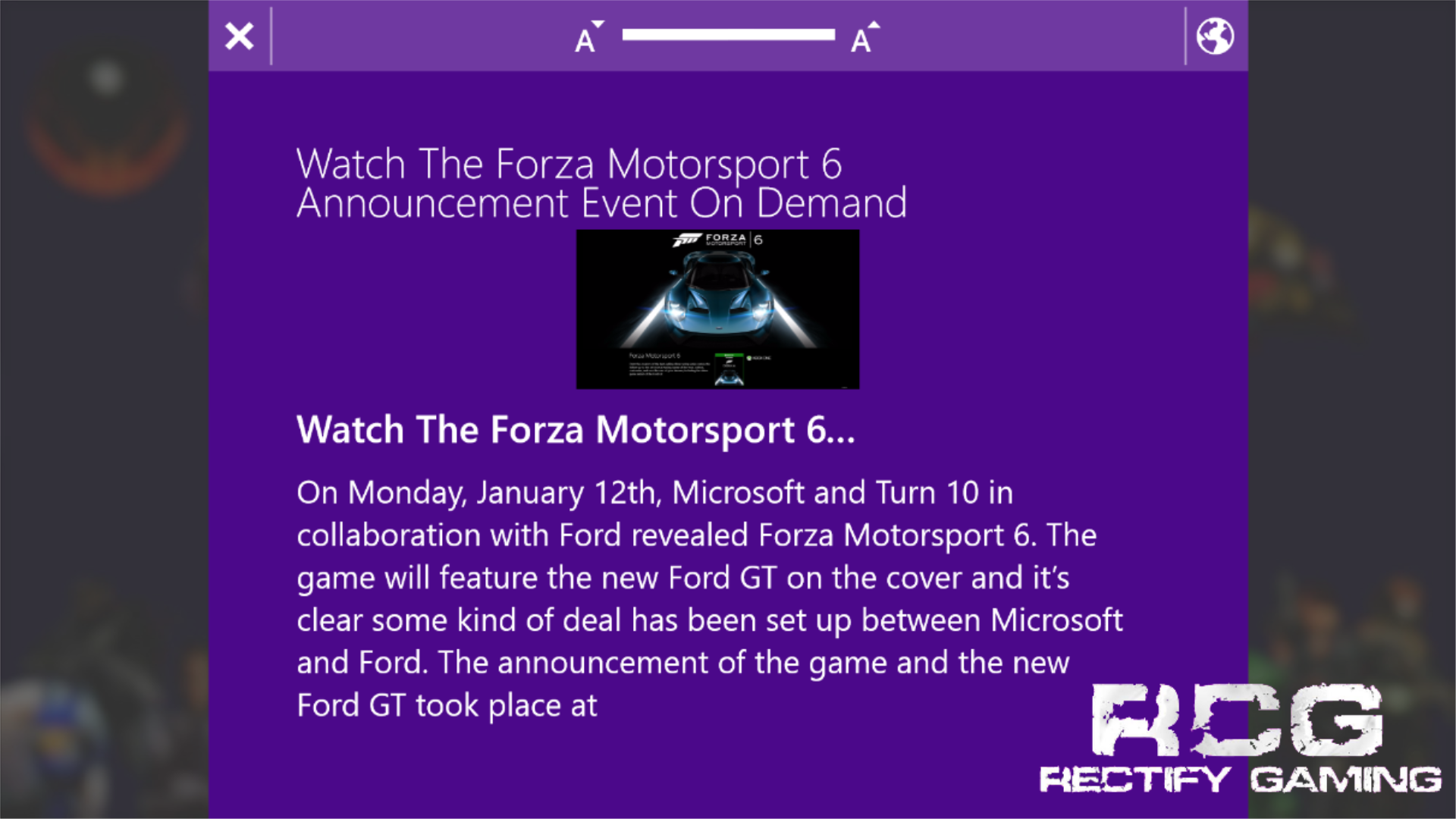
- Updated how ‘Headlines’ are read. There’s a new font size option. We’ve also made it easier to read the full article by simply tapping the ‘globe’ icon if you’re using Windows RT/8.1.
- Added the ability to view TwiztedShotzTV and Metro’s personal videos from within the App. (Available under Extras).
- Updated the ‘YouTube’ Hub on the main page so it fits in with the rest of the App interface.
- Re-organized the listing YouTube Channels in the Extras Hub based on the amount of recent videos uploaded.
- Added a new ‘Interviews’ option under ‘Extras” so you can read any written reviews done by Rectify Gaming.
- Added Advertisements inside the App.
Windows Phone Interface Change:
- We’ve updated the overall interface of our Windows Phone App to make it feel more like it’s Windows RT/8.1 companion but also more slick and feel more complete.
As always, I thank you for your support. Soon, I will be detailing our recently announced Rectify Gaming for Windows 10 App and how that continues to achieve the service we’re aiming to provide you. Future Rectify Gaming App Updates for Windows will push some of our most recent partitions such as Automotive, Original Video Content & Partners as well as Competitive Gaming. I’ll provide you with these huge updates planned which should be ready to ship later this year. (And that means in the coming months!) I’m also aware of your feedback on the background making text hard to read and I’m hoping to focus on this also in the next update! As always, thank you for downloading and using the App and thank you for your feedback. Until next time, #GameOn!

- Uncategorized
 Mini Review: Shadow Tactics: Blades of the Shogun (Switch 2 Edition)
April 6, 2026
- Uncategorized
 Nintendo announces Treehouse: Live featuring Pokemon Pokopia and Super Mario Bros Wonder
February 23, 2026
- Uncategorized
 Sonic Racing: CrossWorlds Nintendo Switch 2 Edition releases December 4
November 6, 2025


- UncategorizedMini Review: Shadow Tactics: Blades of the Shogun (Switch 2 Edition)
April 6, 2026
- UncategorizedNintendo announces Treehouse: Live featuring Pokemon Pokopia and Super Mario Bros Wonder
February 23, 2026
- UncategorizedSonic Racing: CrossWorlds Nintendo Switch 2 Edition releases December 4
November 6, 2025
- Uncategorized
 Review: Yooka-Replaylee
October 30, 2025