


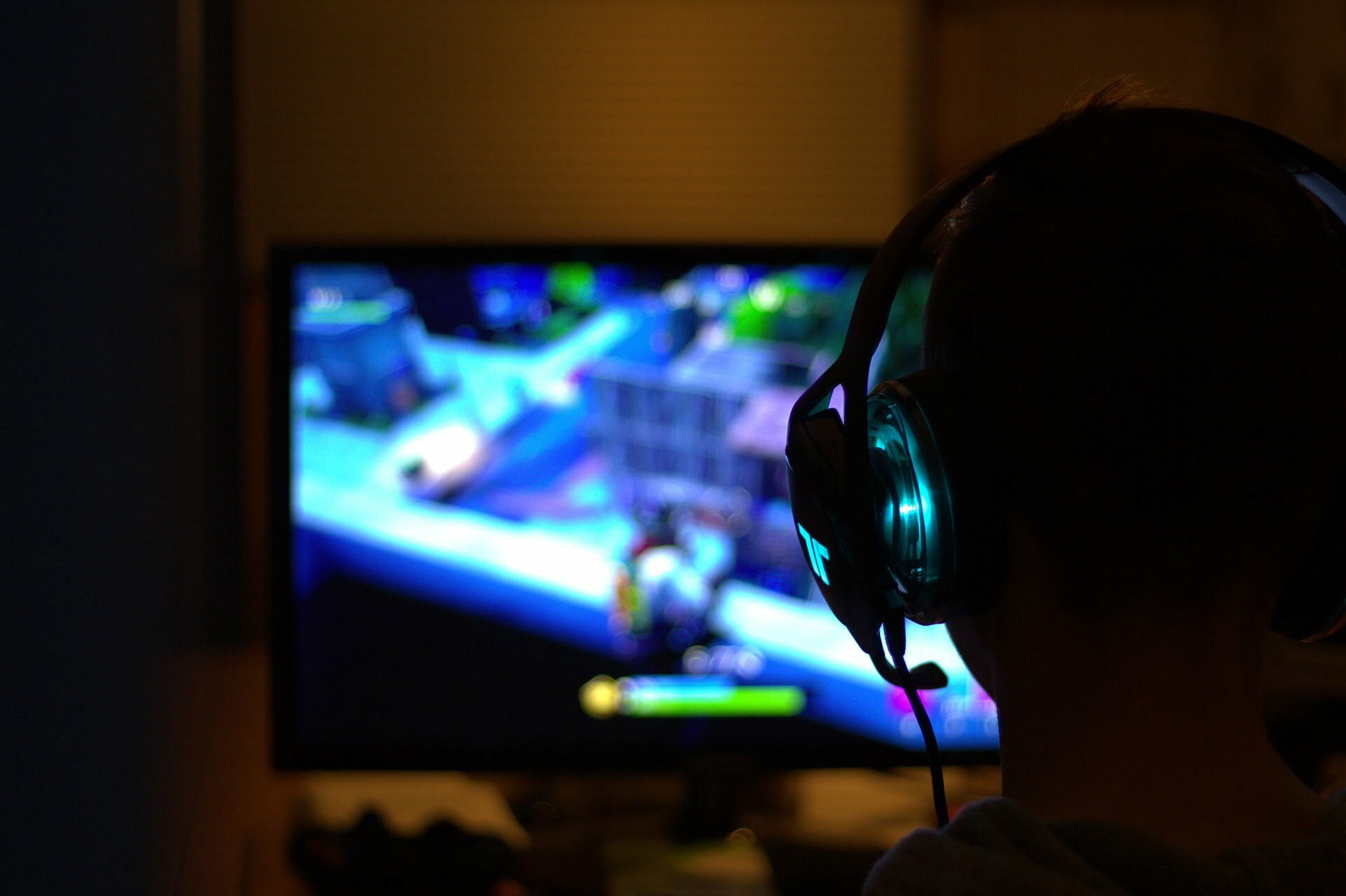
Assembling your PC is one of the best things you can do as a gamer. It is an investment that will take your gaming experience to the next level. This is because you can build your PC to be as powerful as you need it to be. Besides, you can upgrade it to meet your changing needs.
However, assembling a powerful gaming PC can be tricky if you’ve never done it. Thankfully, this article will seek to make work easier for you. It will serve as your ultimate guide to building a gaming PC. You’ll learn about everything you need and the steps to follow for the process.
Here’s everything you need to know.
What Do You Need?
It is vital to start with knowing what you’ll need before beginning the process. And there are at least seven parts to assemble before you end up with a powerful gaming PC. Let’s look into every detail you’ll need to keep in mind before creating your gaming PC today.
- Monitor – This is the screen where your work will get displayed. It would be best to consider factors like size, refresh rate, ports, etc. If you’re asking what are good monitors for gaming, these are the factors to guide you. Keeping these factors in mind will make it easy to pick the best and ensure you take your gaming experience to the next level.
- Graphics Card – A GPU is the most vital part of a graphic designer’s computer. This part of your computer makes it possible for images to display on your monitor. The more powerful the GPU is, the better your gaming experience.
- RAM – No one wants a gaming PC that lags when they’re playing their favorite game. The RAM is what determines how your gaming PC processes data. It also determines how much data it can process at a go. Aim for a higher RAM to increase productivity and enhance playing experiences.
- Storage – Games consume a lot of storage on a PC’s hard drive. That’s why you need robust storage for your files. Your storage can either be a solid-state drive or a hard disk drive. But then, SSDs are more powerful and better for a gamer’s needs.
- Processor – The central processing unit (CPU) is the heart and brain of any computer. Choose a powerful one to ensure your PC runs as smoothly as possible. A powerful CPU also makes it easy to transfer data and information.
- Motherboard – All your hardware lives in the motherboard. But then, having one isn’t enough; you need to ensure it is compatible with all the components you’ll be using.
- Power Supply – You can only power your gaming PC using a power supply unit. Thus, this is a component that shouldn’t miss in your checklist. However, you need to find the best power supply for your gaming PC.
Steps To Follow When Building a Gaming PC
Source: Pixabay
Now you know what you need to build your gaming PC. Next is to discover the steps you must follow to ensure you piece your gaming PC together almost effortlessly. Here’s what you should do:
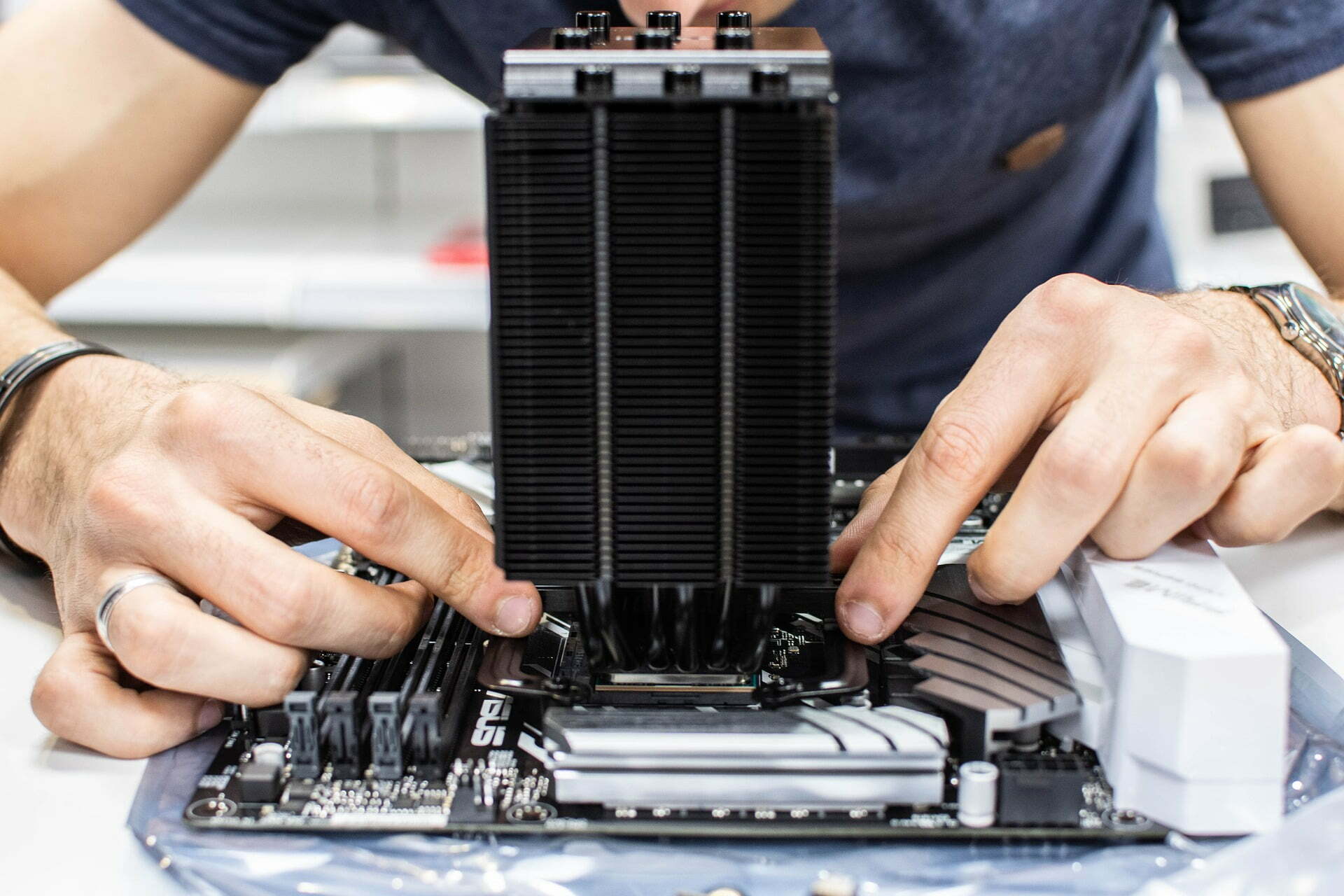
- Install the CPU – You need to start by matching the notches on the chip and socket. Then drop in the notch on the chip. You’ll be good to go once you orient the CPU correctly because there’s no other way to do it. For this reason, the CPU is among the most straightforward parts to install.
- Install The CPU Cooler – You can install the cooler after the CPU or later. The best thing about CPU coolers is that they come with instructions. Follow the manual provided to ensure the steps you need to follow to set it up.
- Insert The RAM – The RAM is another easy-to-install part of any PC. All you need to get it in is to open the clips on either side of the slot. Then place your RAM and apply some power to ensure it slides in and clicks once in the correct position.
- Install The Hard Drives – Next is to ensure your hard drives are in place. The installation of hard drives will depend on the type and the slot design. Once you get the drives into their position, connect the drive’s SATA cables to the motherboard correctly.
- Snap The I/O Shield Into Place – This shield is rectangular and can be plastic or metallic. You can find it readily installed on some modern gaming PCs, which saves you the hassle. If not, ensure you orient it to the motherboard and fit it firmly.
- Place The Motherboard Into The Case – Now, you need to get your motherboard installed. All you need to do is find the standoffs, screws, and zip-ties. But then, there’s no sure-fire way to install a motherboard. Examine your case and ensure you install it correctly.
- Install The Power Supply – The power supply unit is relatively easy to install. However, it can be tricky to install depending on the unit’s model. What you must ensure is that the fan faces up. Otherwise, installing the PSU won’t be as daunting as it seems once you start the process.
- Slot in The Graphics Card – As said before, the graphics card is an essential part of a gaming PC. Thus, you need to ensure you have installed it correctly. All you need to do is ensure you perfectly align it in the slot. Then check that it is firmly locked up in the space, then feed it some power to start running.
Conclusion
There’s no doubt that building your gaming PC can be a daunting task. This is because of the parts you need to put together and the steps to follow in this process. The good news is that you can now do it effortlessly, thanks to the various tips and insights shared in this article.
What’s left now is to bring everything you need to the table. Then follow the steps discussed in this article to ensure you set up your gaming PC correctly. This guide has provided all you need to know for a beginner looking to invest in and assemble a powerful gaming PC.

- Editorial
 Efforts To Protest PlayStation Is Being Overlooked By Sony As Its Digital Future Doesn’t Look To Be Changing
July 10, 2026
- Editorial
 Halo: Campaign Evolved Achievement List Will Be Appreciated By Hardcore Fans
June 16, 2026
- Editorial
 From Epona to the Equestriad: Every Memorable Horse in Nintendo Switch Gaming History
June 13, 2026

- EditorialEfforts To Protest PlayStation Is Being Overlooked By Sony As Its Digital Future Doesn’t Look To Be Changing
July 10, 2026
- EditorialHalo: Campaign Evolved Achievement List Will Be Appreciated By Hardcore Fans
June 16, 2026
- EditorialFrom Epona to the Equestriad: Every Memorable Horse in Nintendo Switch Gaming History
June 13, 2026
- Editorial
 Is GTA 6 Too Big To Fail?
May 21, 2026
