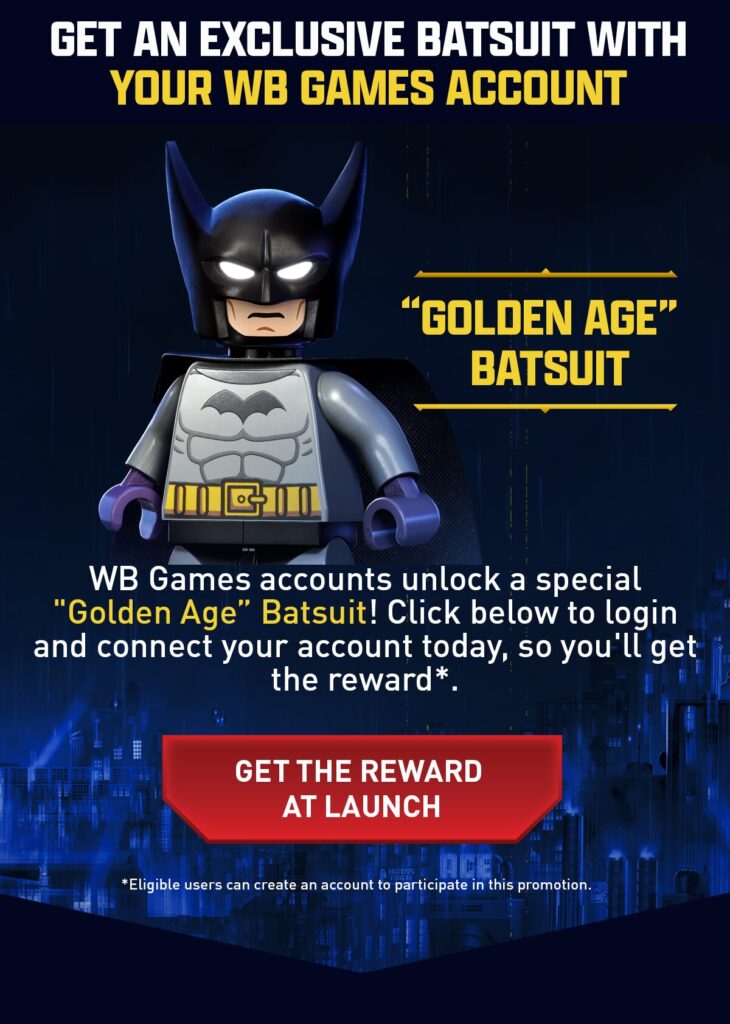
Every new LEGO Batman game brings with it a few special rewards for fans who go the extra mile, and LEGO® Batman™: Legacy of The Dark Knight is no different. One of the coolest bonuses available is the Exclusive Golden Age BatSuit, a nostalgic throwback to Batman’s earliest comic book appearances. If you want to step into Gotham with some vintage flair, here’s exactly how to claim it.
Step 1: Visit the Official Site
Head over to the official LEGO Batman game page: https://legobatmangame.com/. On the homepage, you’ll see a banner promoting the Golden Age BatSuit. Click the banner to start the unlock process.
Step 2: Log In or Create a WB Games Account
You’ll be redirected to the WB Games account login page
- If you already have a WB Games account, just log in with your credentials.
- If not, you’ll need to create one. The process is quick and only takes a few minutes.
Step 3: Link Your Platforms
Once logged in, make sure your WB Games account is connected to the platform where you’ll be playing LEGO® Batman™: Legacy of The Dark Knight.
- Go to Account Settings > Linked Accounts.
- Choose your platform and follow the prompts to connect it.
This step is essential, as the BatSuit will be delivered to your in-game profile through your WB Games link.
That’s it ! Now the hard part , waiting for the game to Launch later in 2026