


Summary
The ROG Xbox Ally delivers a high-quality, portable experience, with stunning visuals and excellent performance. The high price is a major drawback, and the controller’s bulkiness can make extended gaming sessions feel uncomfortable.
Product provided by ASUS
Price – $599.99
ASUS and Microsoft are here with the ROG Xbox Ally handhelds that have been somewhat controversial since their reveal, mainly because of the price. We’ve had our hands on the ROG Xbox Ally for a little while, and we are here to give our overall impressions on the new handheld PC.
This is the cheaper version of the two but also less powerful. At a whopping $600 USD price point, the ROG Xbox Ally aims to bring a new level of handheld gaming.
ROG Xbox Ally Specs
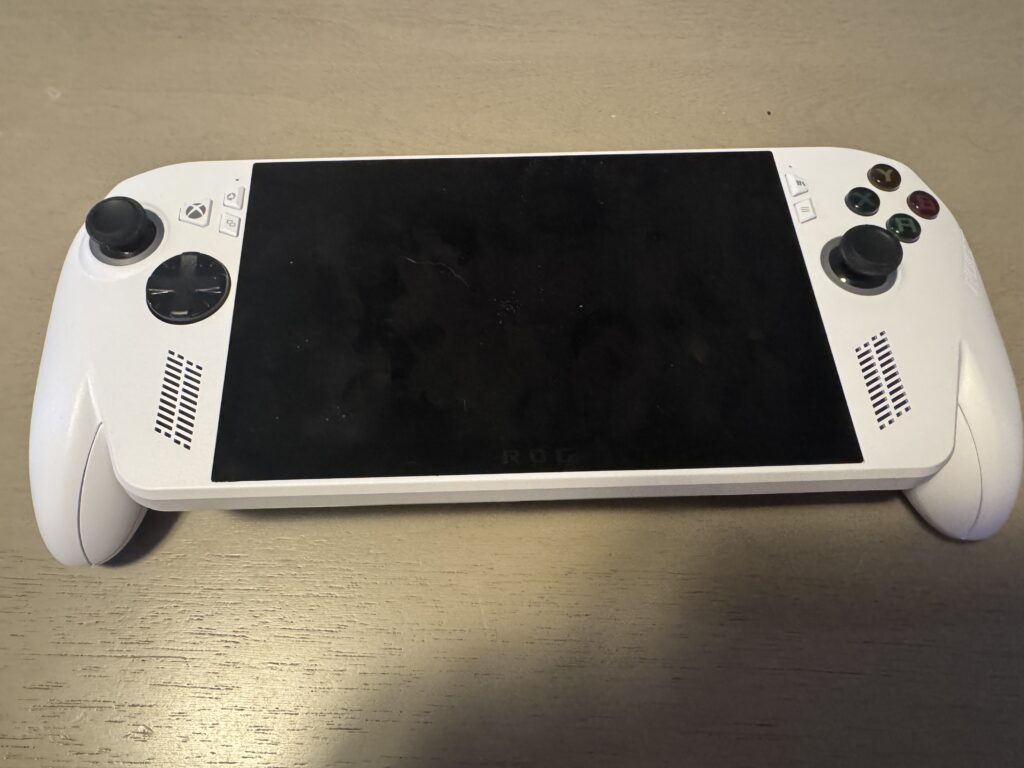
Here are the specs of the ROG Xbox Ally:
Processor – AMD Ryzen Z2 A Processor – 4c/8T Zen 2 up to 3.8GHz boost – RDNA 2 8CU up to 1.8GHz boost
Operating System – Windows 11 Home
Memory – 16GB LPDDR5-6400
Storage – 512GB M.2 2280 SSD
Battery – 60Wh
Network & Communication – Wi-Fi 6E (2 x 2) + Bluetooth 5.4
Display – 7″ FHD 1080p IPS, 500 nits, 16:9, 120Hz refresh rate, AMD FreeSync Premium (VRR)
New Buttons
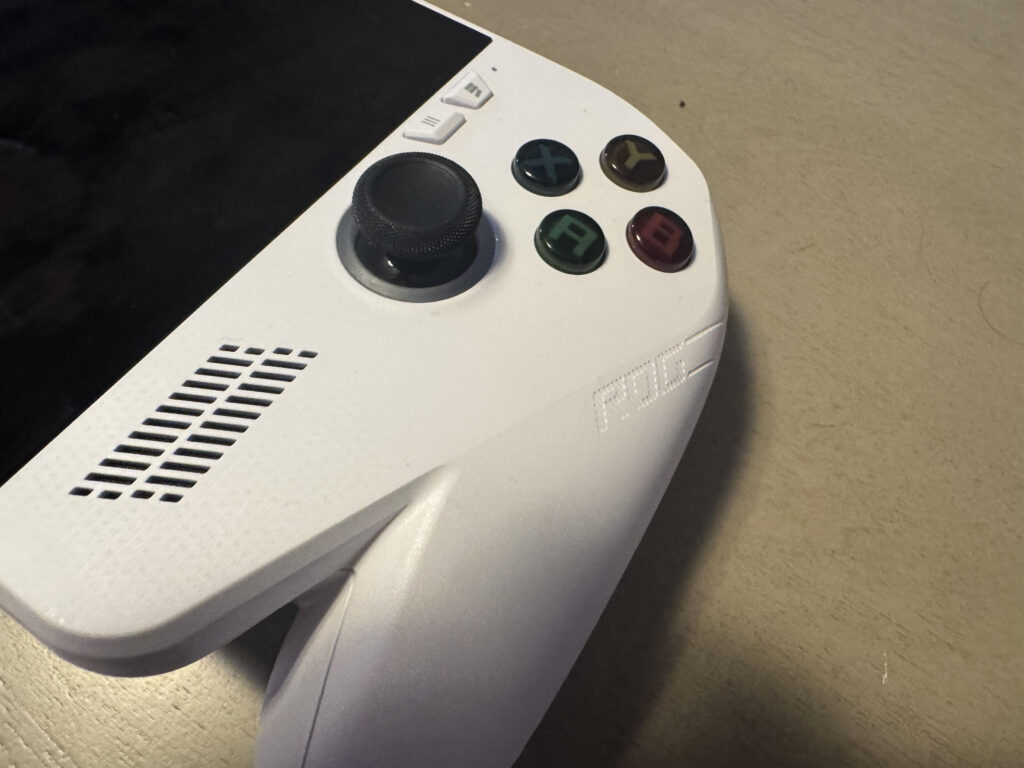
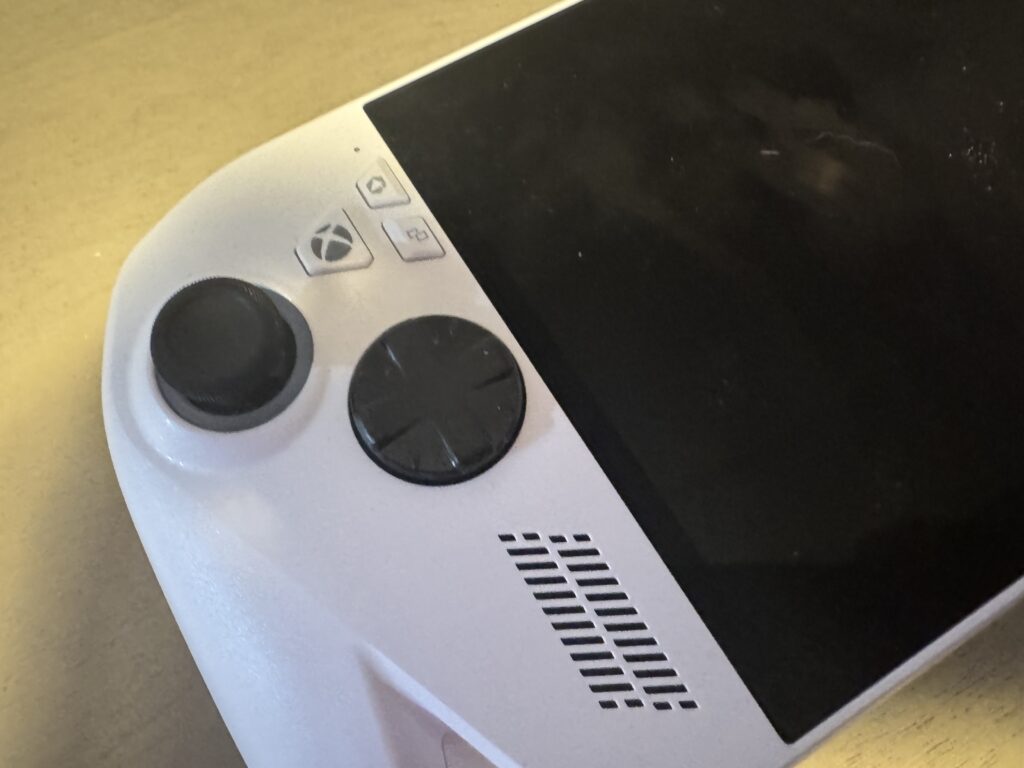
There are a few new buttons on the ROG Xbox Ally that we are not used to seeing on normal Xbox controllers. On the left side, you have the ASUS Command Center button, which opens the Armory Crate, and if you long-press it will open Copilot in Game Bar. Under it, you have the View button, which is specific to games you play or apps you are using. Similar to how the select button works on the Xbox controllers.
Of course, all the way to the left side is the Xbox button, which launches Xbox Game Bar, and long-press it, you’ll open the task view.
On the right-hand side, there are two buttons: the Library button, which just opens your Xbox gaming library. Lastly, you have the Menu button, which is used for in-game activities to open the main menu, etc.
What’s Included With ROG Xbox Ally
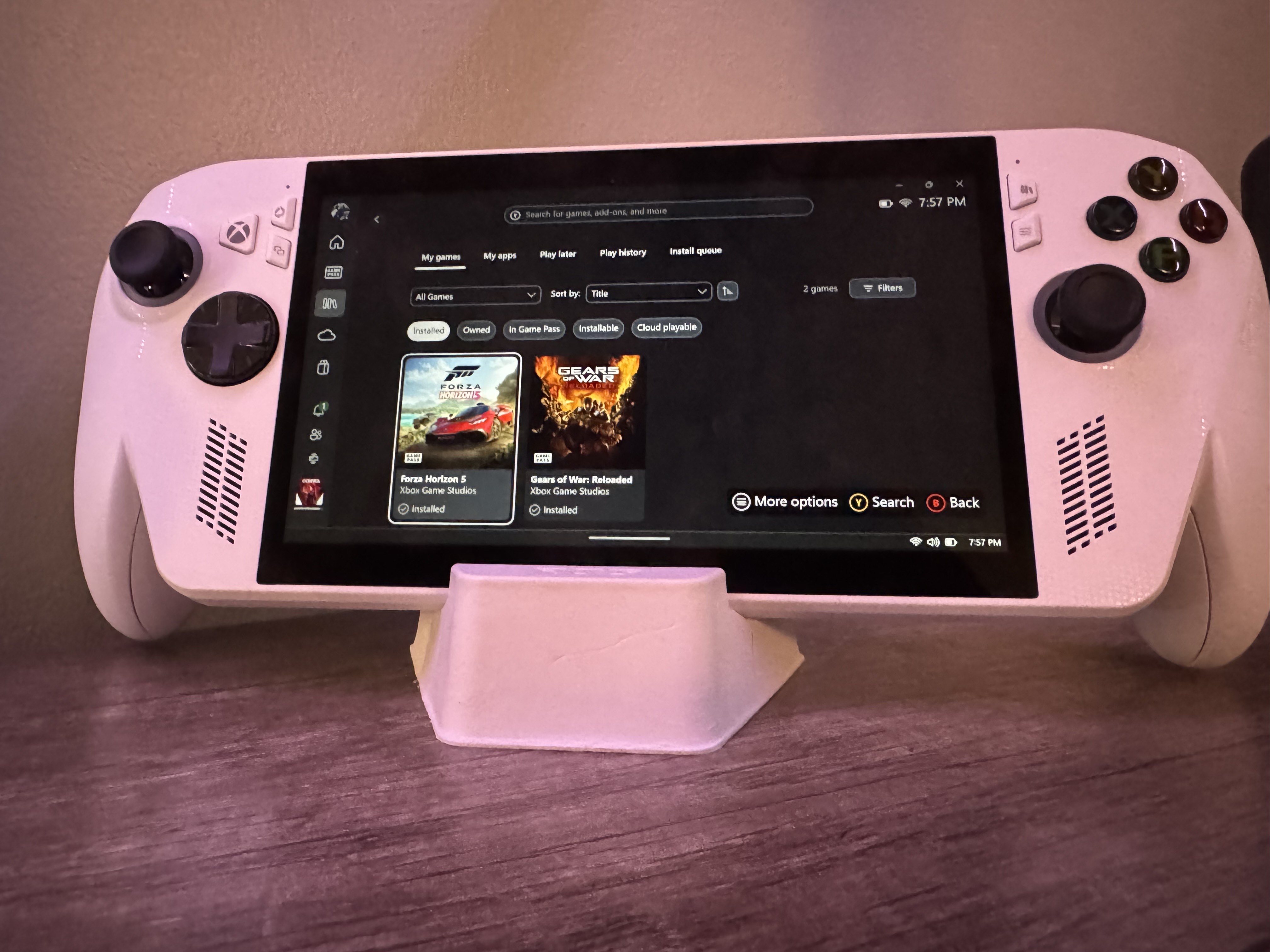
There have been a lot of questions about what the ROG Xbox Ally comes with. It comes with the handheld, of course, but also a small stand and a power cord to charge your device.
Immediate Impressions
From the moment I opened the box and put the ROG Xbox Ally into my hands, I realized how bulky it was. It was heavier than what I was used to with my Nintendo Switch 2. This is expected since there is more power built into this handheld.
Everything is bigger with the Xbox Ally, including the screen, triggers, bumpers, and grips. I feel that the grips are a little too large and are an immediate negative for those with smaller hands for gaming. It’s almost the duke of handheld gaming.
Performance
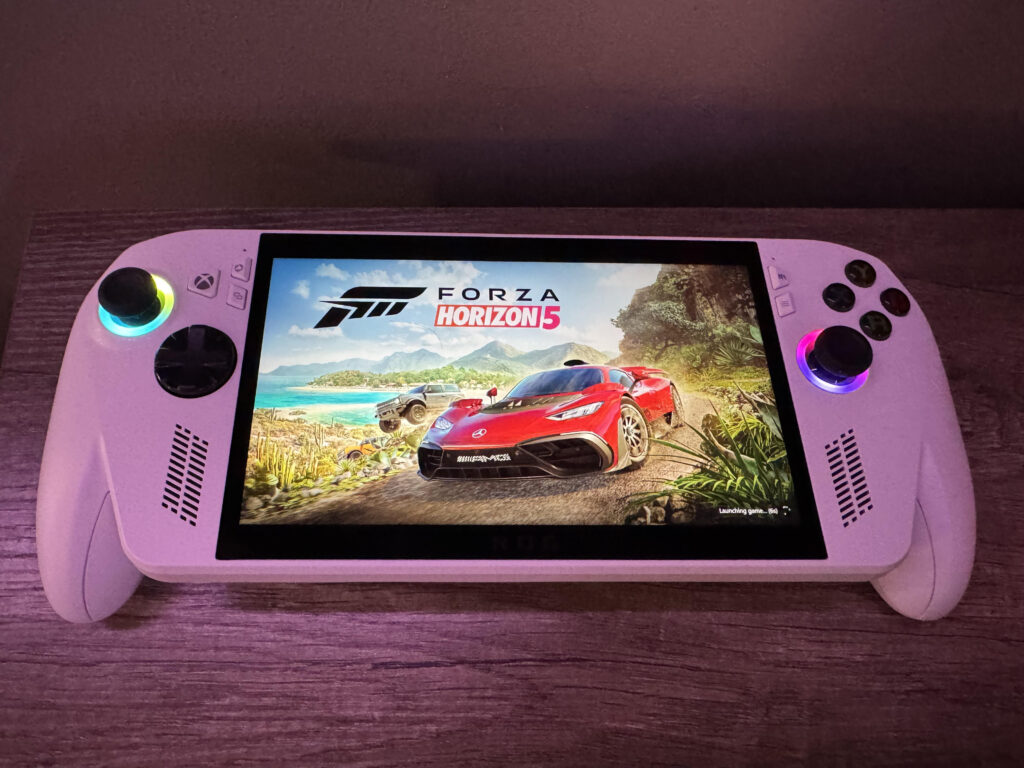
While the ROG Xbox Ally doesn’t pack the same powerful processor as the Ally X, it still handles games well. That said, there’s a noticeable difference between installing games locally and relying on cloud gaming. Despite the 512GB storage, only about 400GB is actually usable, so space can fill up quickly. For the best performance, especially with demanding titles, installing games directly on the device is definitely the way to go.
With its storage and considering the size of modern games, you can probably install around 4 or 5 high-quality titles simultaneously on the device, unless you opt for indie games.
I installed Forza Horizon 5, Gears of War: Reloaded, and Control on my Xbox Ally, and they perform flawlessly. It’s easily the best performing handheld I’ve had, and that’s thanks to the AMD Ryzen Z2 A Processor. I rarely had any frame drops aside from a brief moment in Forza Horizon 5.
There will be a lot of curiosity about the battery life, and from my experience playing a game like Forza Horizon 5, I would say that it lasted me close to 3 hours before having to plug it in.
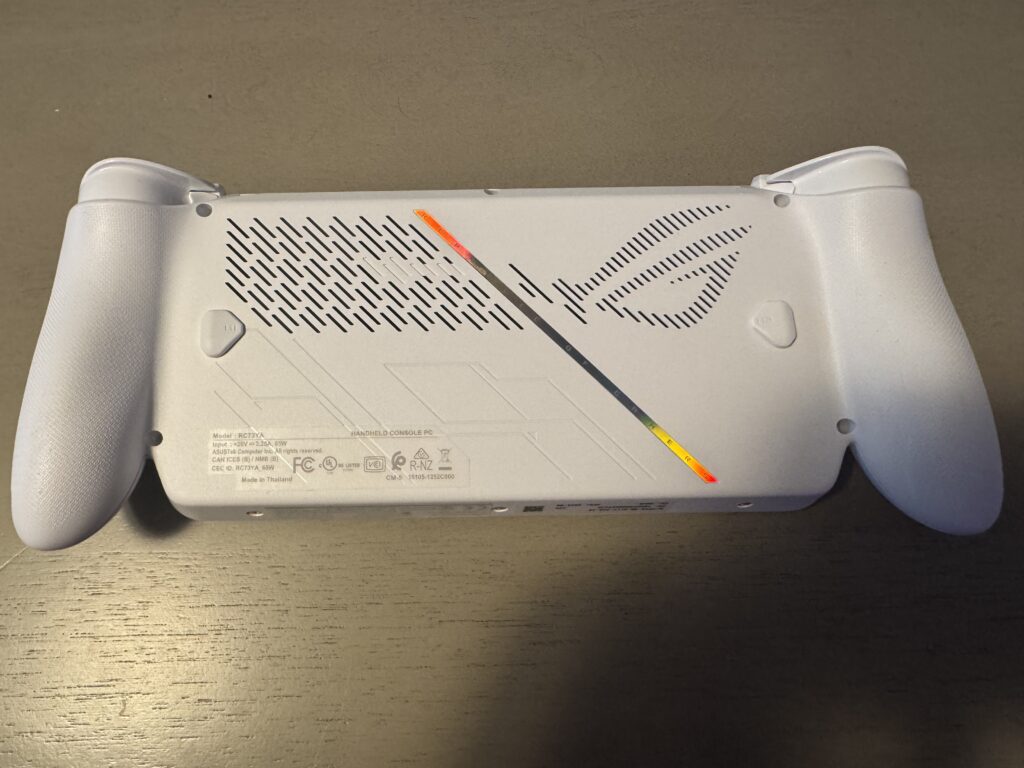
The overall controls have a good feeling to them from the thumbsticks, buttons, and triggers. I never had an issue with that, and if you are familiar with Xbox controllers, you’ll enjoy the stick placements. Just what I did not like is how the grips are shaped for long game sessions.
Not Just An Xbox Device
The ROG Xbox Ally is being marketed as an Xbox device mainly, and rightfully so. It has the name in it and buttons specifically for the platform. However, you can play games you own on Steam, Epic Games Store, and Battle.net. These are just a bonus to the Xbox Game Bar, which is really the centerpiece of the ASUS handheld.
Cloud Gaming on ROG Xbox Ally
Cloud Gaming has been a big focus for Xbox lately, as it allows you to play your favorite games in more places, such as mobile devices. Since the ROG Xbox Ally comes with such limited space, you are almost forced to play some titles via Xbox Cloud Gaming. I view this as a negative for what is a great device.
From my experience, using the Cloud Gaming feature is that, it is not surprising, the quality is not as good because you are streaming. It could just be me and my internet connection, but playing Halo: The Master Chief Collection using this feature is not the way to play online, at least. The amount of lag you’ll experience is not great, which turns this into a “single-player only” feature.
Aside from Cloud Gaming, you can take advantage of the Remote Play option in the Xbox App that allows you to stream what’s on your Xbox console to your ROG Xbox Ally. It’s a neat feature and perfect for any casual play.
Audio Is Outstanding
One great thing about the ROG Xbox Ally is its audio. If you put this on full blast, you’ll be blown away. It’s one feature that will catch you by surprise. I was shocked by how loud it got, but also by the quality of the sound. It’s easily the best audio to come out of a handheld console.
You can hear how loud the audio is in one of our latest videos showcasing Forza Horizon 5.
Accessiblity
The ROG Xbox Ally has a lot of accessibility options for gamers. There is an on-screen keyboard and the ability to remap the keys or map buttons to keyboard or num pad keys. You can adjust stick response curves, adjust stick dead zone, and adjust anti-dead zone.
There is speech-to-text and text-to-speech in the Xbox Game Bar. There is even a bunch of gyro customizations you can do, including the gyro dead zone, sensitivity, and a lot more. One of the great things about Xbox is that they are always thinking of every type of gamer, and the ROG Xbox Ally is definitely built for everyone in mind with its accessibility features.
Visually Stunning
Playing any AAA game on the ROG Xbox Ally is visually impressive. I haven’t encountered any issues with the graphics in the games I’ve installed. Frame drops are rare, and overall, the experience is very smooth, thanks to the built-in 120Hz refresh rate of the device.
Verdict
The ROG Xbox Ally is a solid piece of hardware. It delivers a high-quality, portable experience for Xbox and PC games, with stunning visuals and excellent performance. While the controller grips could be more ergonomic, the overall build is solid.
The battery life is what will hold the experience back, and you’ll find yourself having to plug it in to charge more than other handhelds. There are ways to save power, but if you’re on the go, traveling, it’s only going to last you a couple of hours before recharging.
At its current price, it doesn’t quite live up to the hype, but if it ever goes on sale, it’s definitely worth considering.
It’s not the all-in-one Xbox handheld we’ve all been waiting for. For players who’ve never had a way to play Xbox games on the go, the Ally opens up a new and exciting option.

- Product Reviews
 LucidSound LS500X Gaming Headset Review
July 5, 2026
- Product Reviews
 A Closer Look At PowerA Beach Vibes XBOX Advantage Wireless Controller
June 14, 2026
- Product Reviews
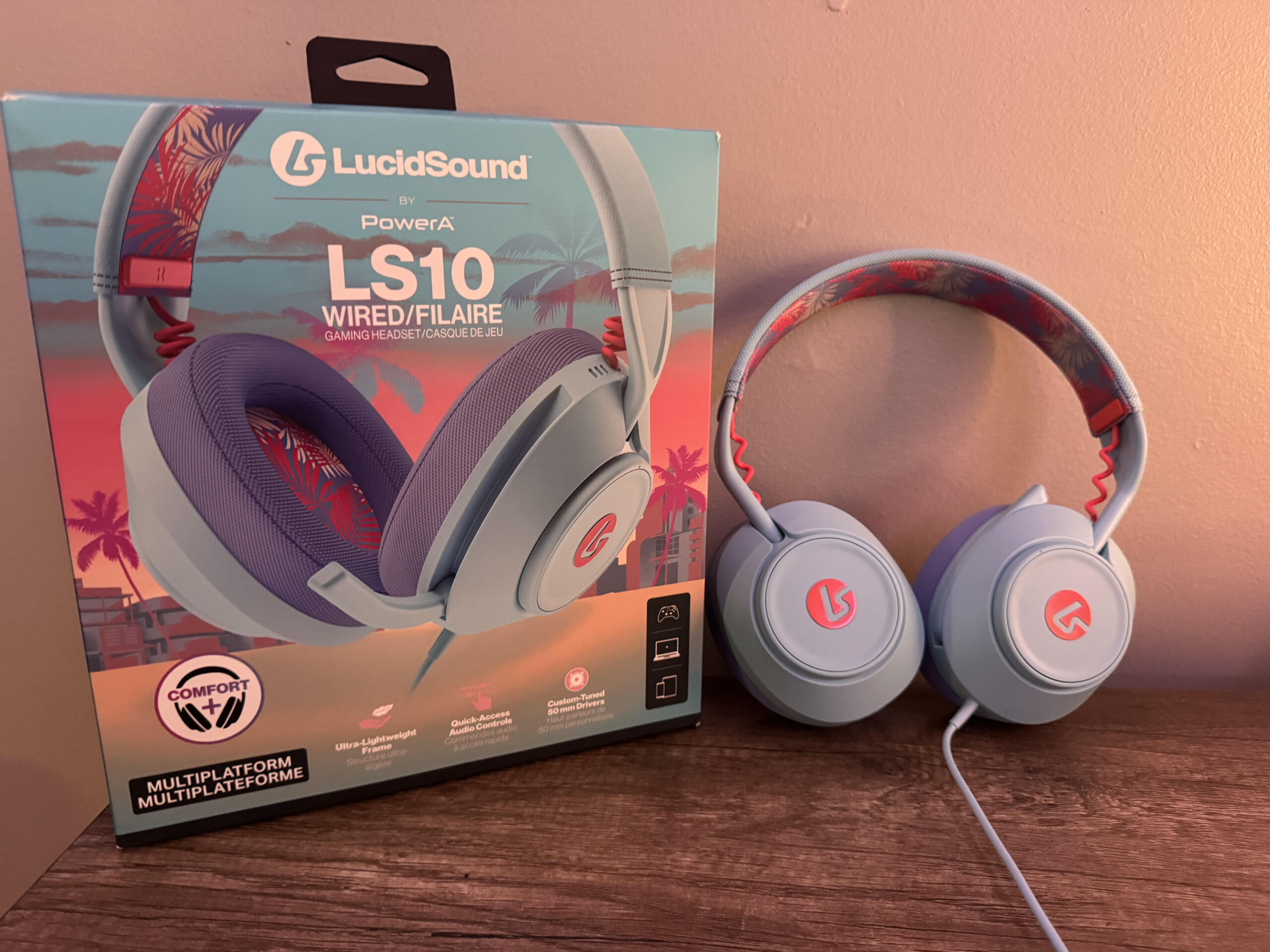 LucidSound LS10 Wired Gaming Headset Review
May 25, 2026
- Product Reviews
 Review: UAG Scout & Plyo Case for Meta Quest 3
April 26, 2026
