343 industries just made a post about some of the new advanced controller settings which will be available on December 15th. They have added some additional options to the Controller Menu that will allow you to further customize your shooting/aiming experience.
- Look Acceleration
- Inner Dead Zone
- Outer Dead Zone
Here is a quick overview of each and some guidance on using them:
LOOK ACCELERATION
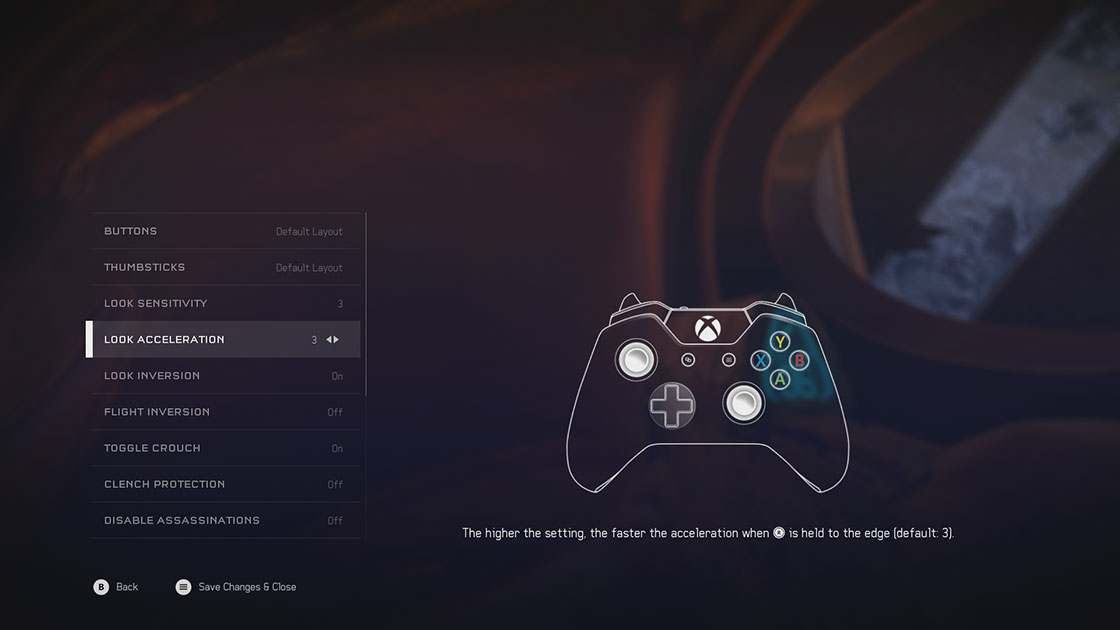
Look Acceleration adjusts the time it takes to hit max look speed when you peg (apply 100% input in any direction) the look stick. The higher the setting, the quicker you will reach top speed, and the lower the setting, the longer it takes to reach top speed.
INNER DEAD ZONE
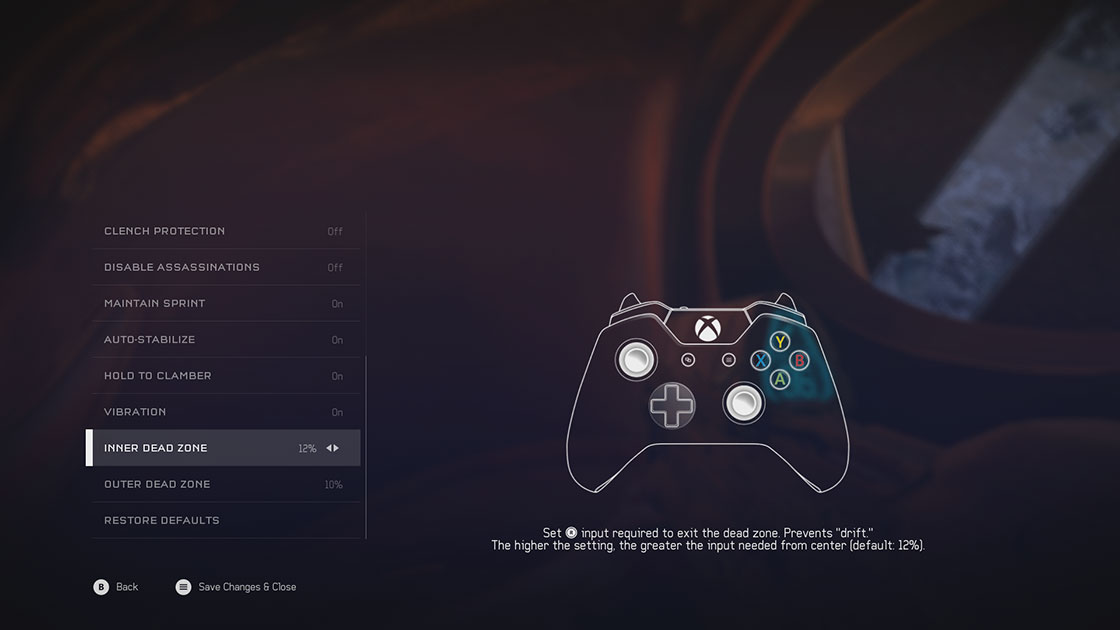
The Inner Dead Zone refers to a small region around the analog stick’s center position where we disregard input. Inner Dead Zone is used to prevent drift (camera movement when you aren’t applying any input to the look stick). This is caused because the analog sticks do not always return perfectly to center for a variety of reasons (manufacturing tolerances, wear and tear on the controller, etc)
OUTER DEAD ZONE
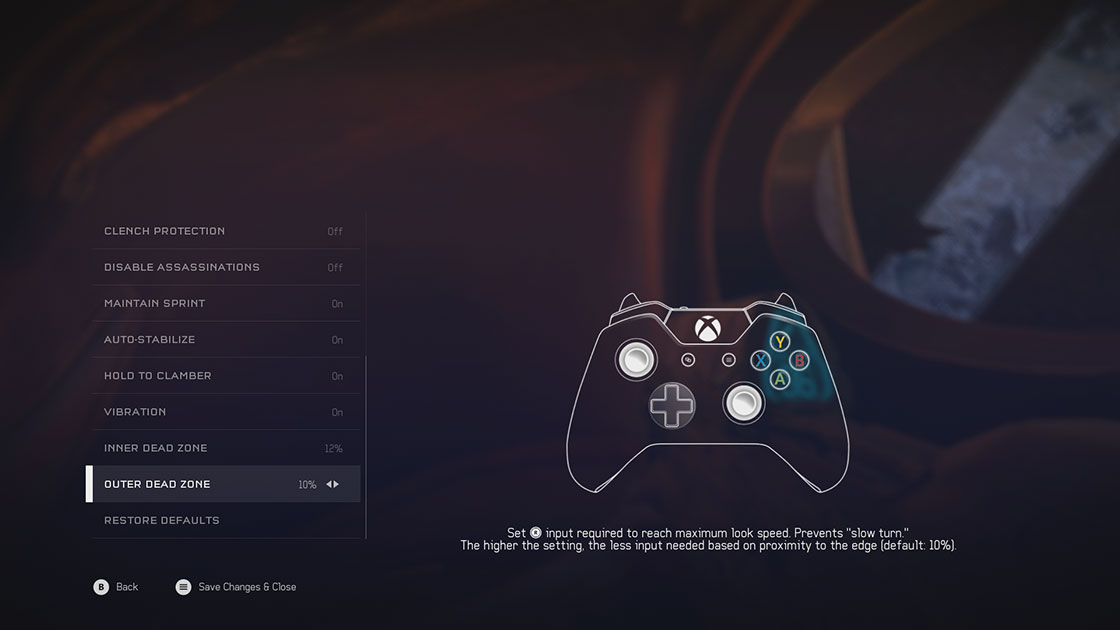
The Outer Dead Zone allows you to adjust the point at which the analog stick registers as hitting 100% input. Outer Dead Zone is used to prevent slow turn (when you are applying 100% input on the look stick but not reaching top look speed). The larger the Outer Dead Zone, the sooner you will hit 100%
More info here

- Uncategorized
 Mini Review: Shadow Tactics: Blades of the Shogun (Switch 2 Edition)
April 6, 2026
- Uncategorized
 Nintendo announces Treehouse: Live featuring Pokemon Pokopia and Super Mario Bros Wonder
February 23, 2026
- Uncategorized
 Sonic Racing: CrossWorlds Nintendo Switch 2 Edition releases December 4
November 6, 2025


- UncategorizedMini Review: Shadow Tactics: Blades of the Shogun (Switch 2 Edition)
April 6, 2026
- UncategorizedNintendo announces Treehouse: Live featuring Pokemon Pokopia and Super Mario Bros Wonder
February 23, 2026
- UncategorizedSonic Racing: CrossWorlds Nintendo Switch 2 Edition releases December 4
November 6, 2025
- Uncategorized
 Review: Yooka-Replaylee
October 30, 2025