Discover everything you need to know about the best beginner guide in Borderlands 4 and tips to help you start.
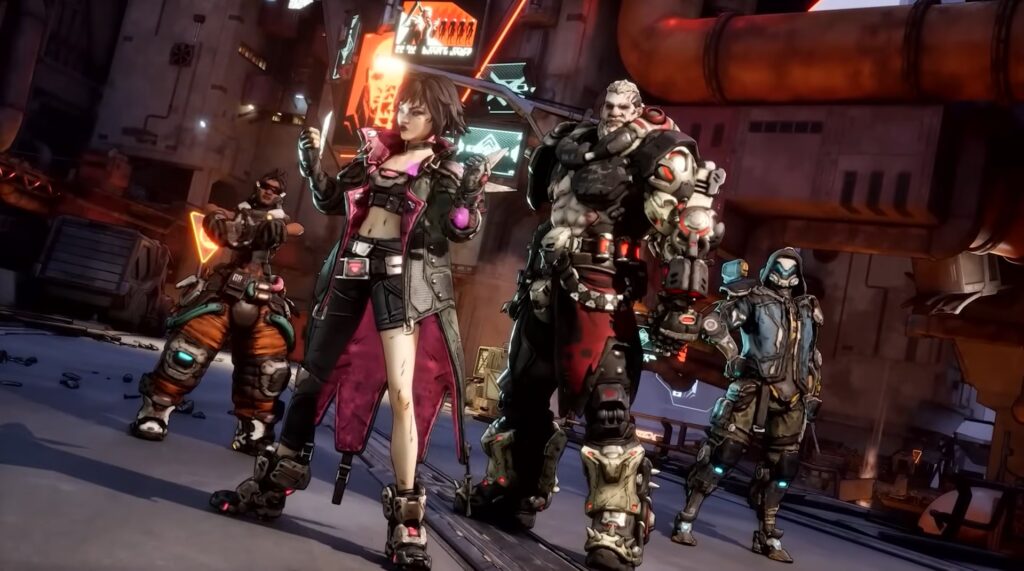
Borderlands 4 brings new features, content, characters, and options to experience what the game has to offer. Choose from any of the four characters and equip the best weapons and gear to dominate the enemies on the battlefield. Each Vault Hunter has their own unique trait that more or less influences the playstyle of each character.
After a quick tutorial mission, you are dropped into the massive, seamless world of Cyros. Guns make up the backbone of any Borderlands experience. The game features eight different weapon manufacturers, five of which veteran players will recognize from the previous games. In this guide, we’ll discuss the best beginner’s guide for Borderlands 4, including some useful tips for a better start.
What are Elemental Affinities
Elemental affinities on damage types are a big deal, especially if you intend to play on hard mode. It amplifies the effectiveness of the elements. Specifically, you can press the inspect button when looking at any weapon in your inventory. Hover over the elements that are on it, and it will clearly tell you which colors of the health bar the weapon is strong against and which are weak against.
Unless you’re using a kinetic weapon, in which case it is just standard against everything. Fire is very strong against flesh, which means red health. Shock is very strong against shields, which are blue health. And corrosive is very strong against armor, which is yellow health. And every other element falls somewhere along that spectrum, and they all have their related statuses to match that, too.
The main point of this is that sometimes an elemental weapon will have less raw weapon DPS on the tooltip than a kinetic weapon. But unless that difference is incredibly drastic, or if you’re like playing Vex and specifically looking for kinetic damage synergy, often a lower DPS. However, the correctly matched weapon will do more damage to the enemy.
Weapon DPS Stat
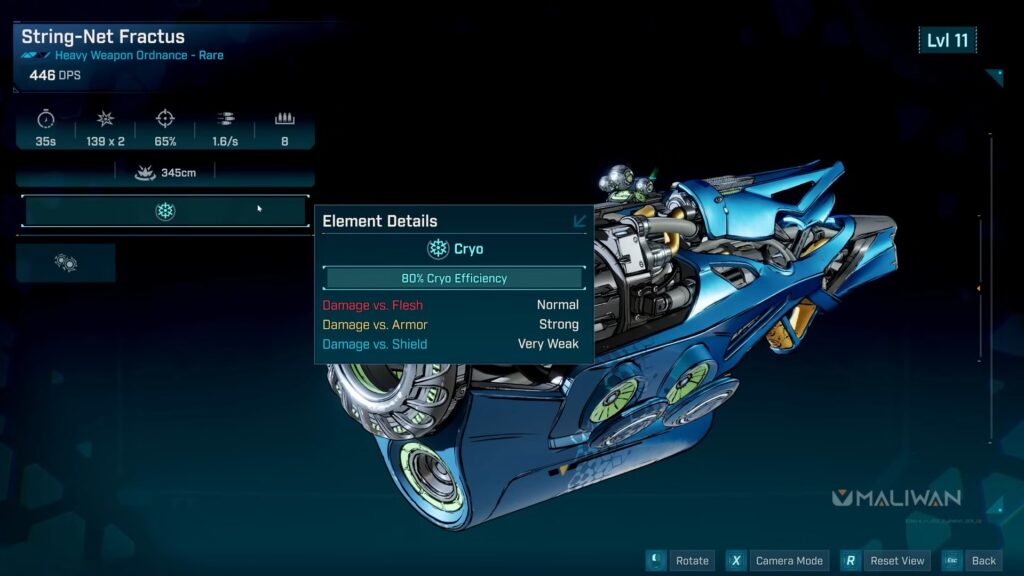
On the note of the weapon DPS stat, it’s not perfect in general. It is not a one-size-fits-all answer to whether a weapon is better than what you’re holding or not, but it is a decent starting indicator. Generally, you will start to get a feel for which kinds of weapons you like. There are only a few variations of a Jacob shotgun or an order sniper rifle. So, if you find yourself liking those kinds of weapons, you know that you want to look for those kinds of weapons.
Those are what you want to compare when you’re picking up loot, regardless of the raw DPS number on other things. But that type of knowledge comes with playing the game and learning what kind of guns you like playing with the most personally.
What Each Weapon Slot Does
Below are the major weapon slots in Borderlands 4, and each has its own role and bonuses.
1. Repkit
Repkit is a healing kit that you can use actively. It has a cooldown between uses, and they each have their own modifiers just like other equipment. They can have manufacturer effects on them as well. The ordinance slot is new. It replaces the old grenade slot, but it also encompasses things like rockets.
Launchers, which used to be just a regular weapon type. It can now be things like laser cannons, rail guns, chainsaw launchers, or just Gatling guns, or even like mobile anti-air cannons. There is a lot of variety for what can be in this slot. It now functions off of a cooldown rather than being a limited ammo count that you can only get when you find more ammo from enemies, like in previous games.
2. Ordinance
These all share a damage type called ordinance. There is the class mod slot. These will give you a few skill points from your tree, with these specific nodes generally being related to the exact name of the class mod. It will also have some stat bonuses on top of that, too.
There are legendary versions that have unique effects as well. There’s your shield slot. This is damage that gets eaten before your health does. The default shields are energy shields, which are the same as in previous games. They have a timer that you have to avoid taking damage before they will start to recharge up to their maximum shield amount.
3. Armor Shield
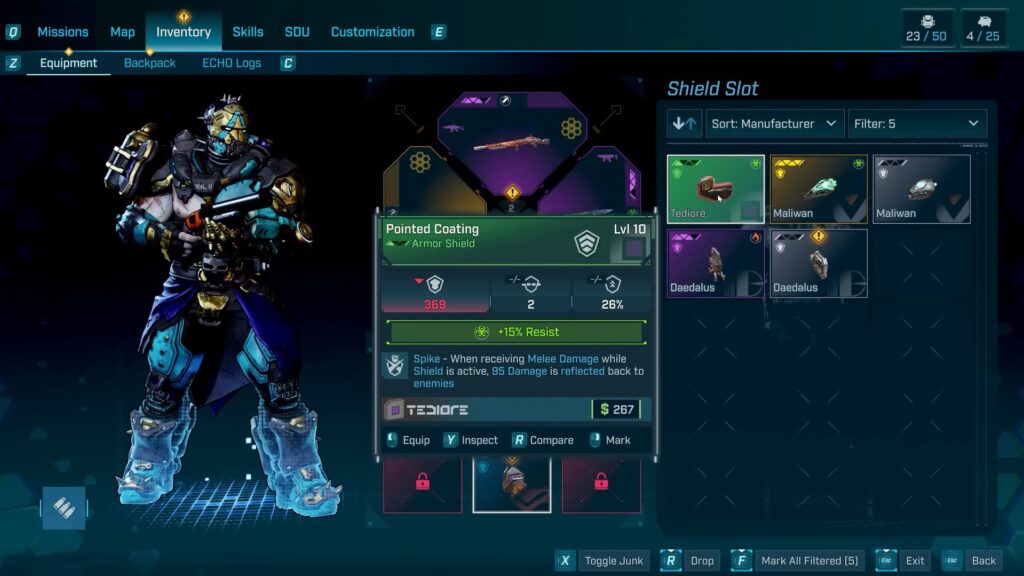
There are also now armor shields, which are a new thing. These have segments that build up to the maximum shield number. The segments break independently of each other, and instead of having to avoid damage, it is constantly recharging. It doesn’t matter what with the bar on the UI filling up one segment each time it reaches the end. So, this is a shield that does not require you to avoid damage before it starts to refill.
4. Enchantment
The final slot is for enhancements. These give you bonuses for any weapon that either has the matching base manufacturer or license part. They just give you stat increases in general that apply to all weapons. Because weapons can have parts from multiple manufacturers, that heavily affects how these enhancements work.
This can create some really interesting concoctions with the right weapon, the right modifiers on the weapon, and the right enhancement to string it all together. It can make some pretty big differences in your overall effectiveness.
Solo Vault Hunter Recommendation
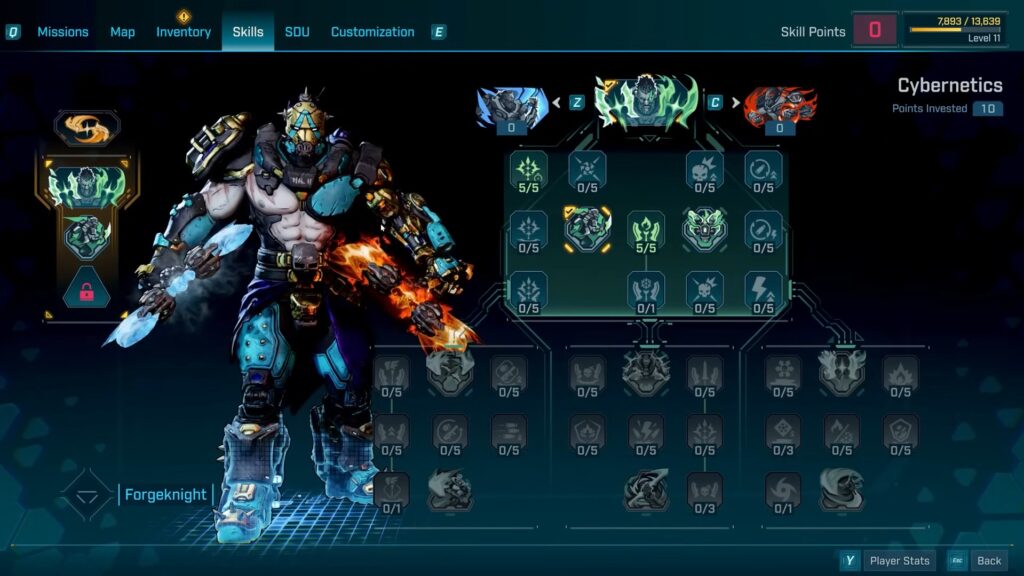
If you’re looking to play solo, any of the vault hunters will do the job. But if you want to make it a little bit easier, I do recommend playing a minion-focused play style like either a Vex‘s dead ringer or phase familiar action skills. They can draw a lot of the aggro away from you. They can make the enemies just attack them instead of you. This makes you harder to kill and frees you up to just do damage while not needing to dodge the enemy at all.
At least for the earlier levels, where your minions are relatively survivable. For those who are playing co-op instead, there are skills and items, and just nodes on the skill tree that affect allies specifically. You can use those to make co-op-specific builds that don’t make as much fun solo. Like in co-op, you can fast travel directly to your allies wherever they are. They are a walking fast travel station.
Complete Side Content
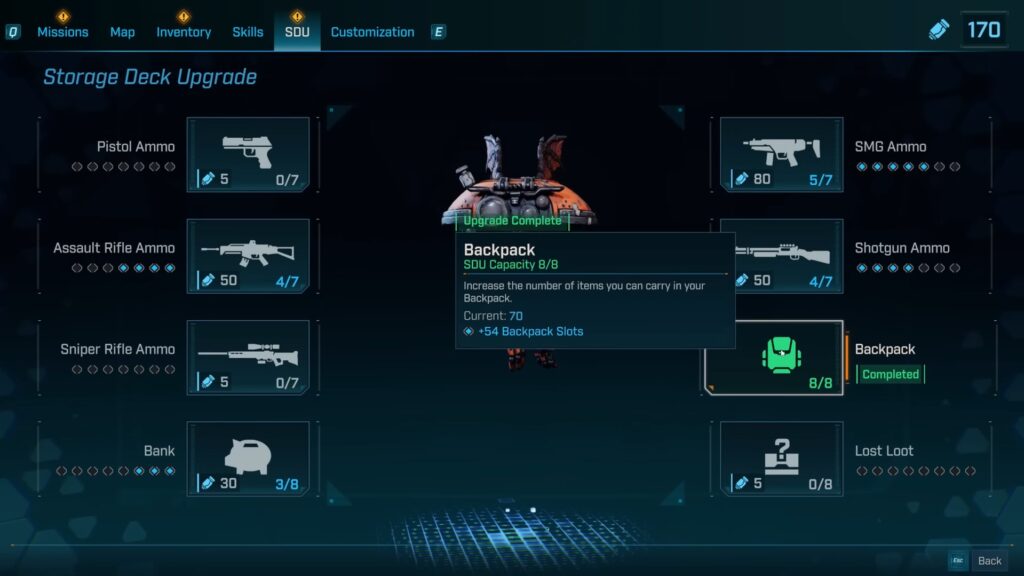
Make sure to interact with the side content to at least some degree, especially with the fact that pretty much the entire game scales to your level. You could pretty much just blast through, mostly sticking to main missions while doing minimal side content. This would get you to ultimate vault hunter mode and unlock endgame activities as quickly as possible if that’s what you want to do. But that is a subpar experience for multiple different reasons. You will find the balance that feels right to you, and it will be different for each player. But a simple example is SDU tokens.
Storage deck upgrades are how you get more backpack space, more bank space, and a higher maximum ammo count for your guns. This is something that does really start to matter a lot as you progress through the game. The SDU tokens are what you spend to upgrade these. They come pretty much exclusively from completing side content, side quests, contracts, and open-world dynamic events. It can also be just things on the map, like silos or safe houses, which are unlockable fast travel points.
Completing just about anything that is not the main story will get you some SDU tokens. These tokens make the game feel more comfortable in various ways. Basically, you have to decide what is most important to you. Do you want to have the most complete possible story playthrough, doing all of the side content? You can choose to rush to completing the main story to unlock Ultimate Vault Hunter Mode and worry about the side stuff after the fact.
Rift Challenges & Rift Champions
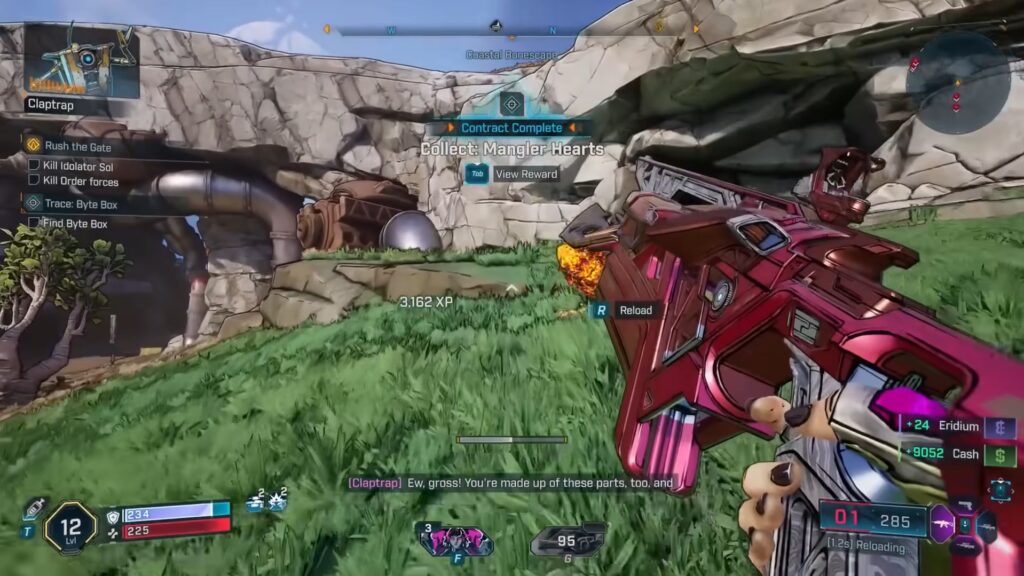
Two things to specifically keep an eye out for, especially early, are the bubbles that you can come across in the open world. If you see a big energy dome as you are riding around, go into it. A boss will spawn randomly from the pool of Rift Challenge bosses. These are known as Rift Champions, and you get one chance to kill them. If you fully die, the boss will disappear.
If you leave the radius of the bubble, the boss will disappear. But if you kill the boss, they will drop a nice big pile of loot and give you a bonus reward cash that is capable of rolling a legendary weapon, even at very low levels. So, not only is it fun because it’s a boss fight, which are always a treat, even the less mechanically intensive ones.
Check Your Maps
As far as something a little bit more stagnant, always look at your map and check back to areas that you’ve already wandered through. A big source of early loot and power is these big hidden supply caches. When you pass by one of these without actually seeing it yourself, without opening it, it will actually be marked on your map. So, you know to go back to that area and look around.
When you open these up, it will just eject a ton of weapons. Sometimes you’ll get lucky and get like five purples out of nowhere. Sometimes you’ll get a little bit less lucky. But the main point here is to make sure that you look back at your map, even at areas you have already been through and completed.
Settings Worth Knowing About
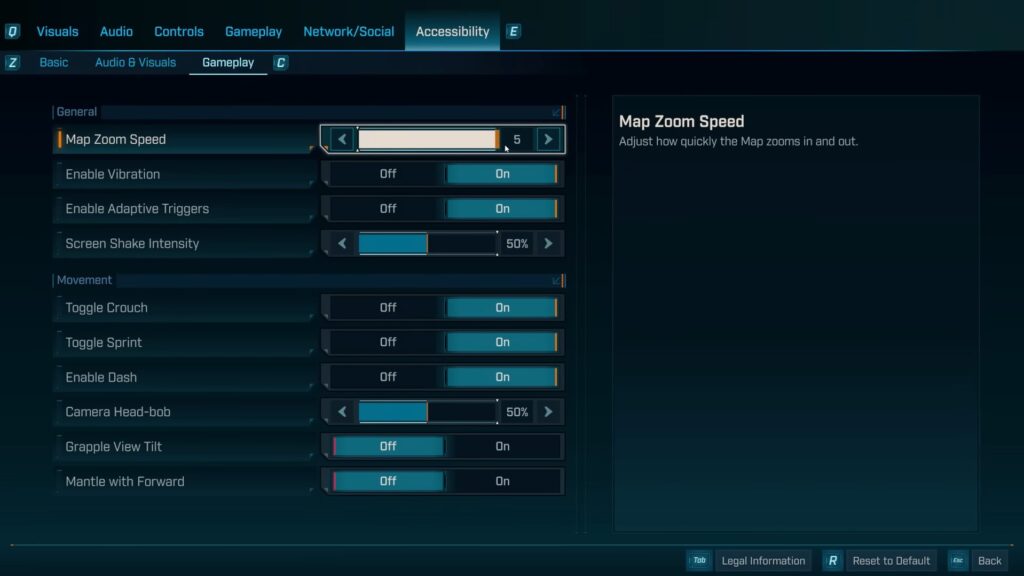
Under accessibility in the gameplay tab, there’s grapple view tilt. And this is on by default. It forces your camera to move down a little bit whenever you use the grappling option. This setting lets you turn it off nice and easy. Map zoom speed. Minor gripe, but I found the default zoom speed on the map screen to be way too slow.
You can change it here to make it fast. Adjust it how you want it to be. You can also adjust camera head bob and screen shake intensity if you don’t like those effects. Then a couple more under the gameplay section, too. Echo location path visibility duration affects how long the little waypoint path stays on your screen when you ping on your Echo 4.
A very important one to know about this is the Toggle Radar Display. By default, the game does not have a radar or mini map of any kind, like previous Borderlands games did. There’s just the compass on the top of the screen, displaying enemy markers as you spin. This setting can turn on the radar, which gives you a better concept of where enemies are around you.
Understand the Damage Type
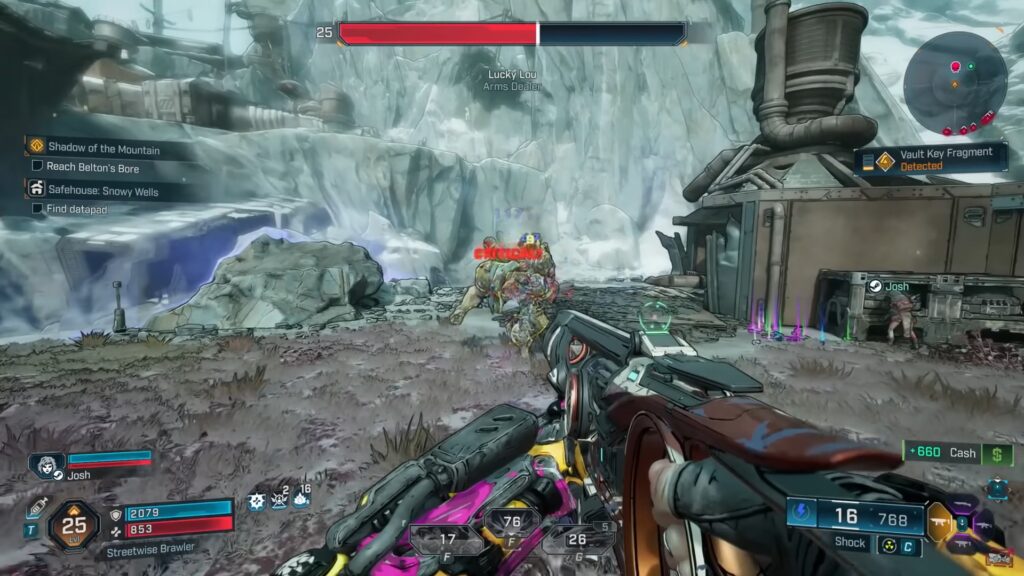
One of the most important things you need to understand about Borderlands 4 is the rock-paper-scissors effect that comes with the various damage types. Enemies, depending on the color of their health bar, will be weak or resistant to specific types of damage. This can make encounters vastly easier or difficult, depending on your loadout and the types of damage that you’re dealing.
Enemies have three different types of health pools. Red is standard flesh health. This is neutral to kinetic, corrosive, and radiation damage. Resistant to shock and cryo damage, and very weak to incendiary damage. Blue health indicates a shielded health bar.
This is neutral to kinetic damage, very resistant to incendiary and corrosive damage, weak to cryo and radiation damage, and very weak to shock damage. Yellow indicates armored health. This is neutral to kinetic, incendiary, and cryo damage, resistant to shock and radiation damage, and weak to corrosive damage.
Each of these damage types can also apply a status effect, which can be applied to enemies or used against you by certain enemies. Fire will ignite a target and apply a damage-over-time effect. Shock will electrocute a target, damaging them over time and disabling vehicles. Corrosive will melt enemies with a damage-over-time effect.
Customization and Cosmetics
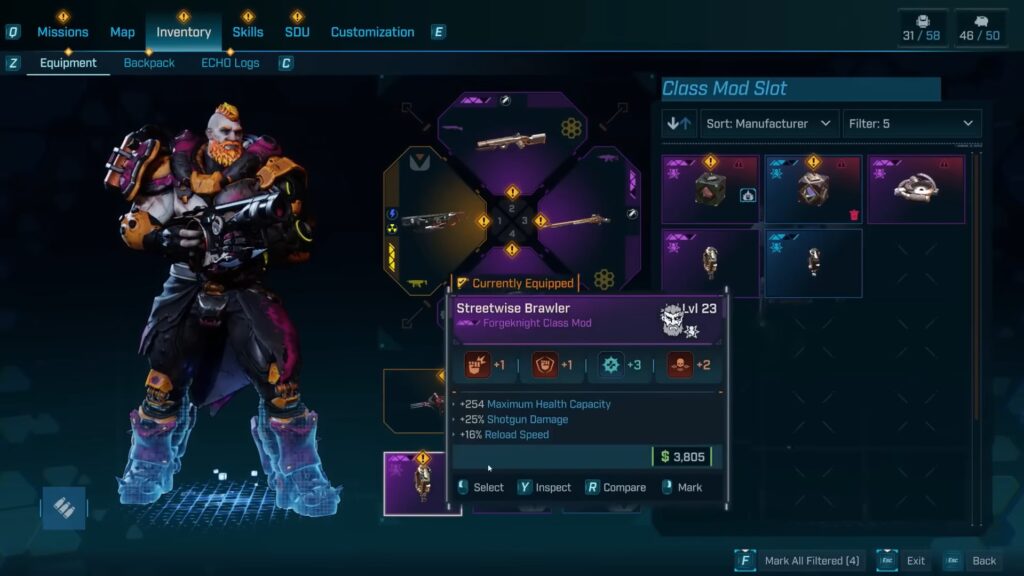
There are customization options available within Borderlands 4. If you want to change up the look of any of the Vault Hunters, you’ll be happy to know there are dozens upon dozens of cosmetics and color schemes. Many of which are found right within the game. Most quests, side quests, and even special points of interest reward customization.
To take this a step further, it’s not just the vault hunter you can change the aesthetic for. Echo 4, your digrunner, and even weapons have skins. While you do have to unlock each of them, there are tons of options. For all you collectors out there, this gives you another reason to seek out all the obvious and not-so-obvious pieces of side content in the game to build up your robust cosmetic library for all your characters.