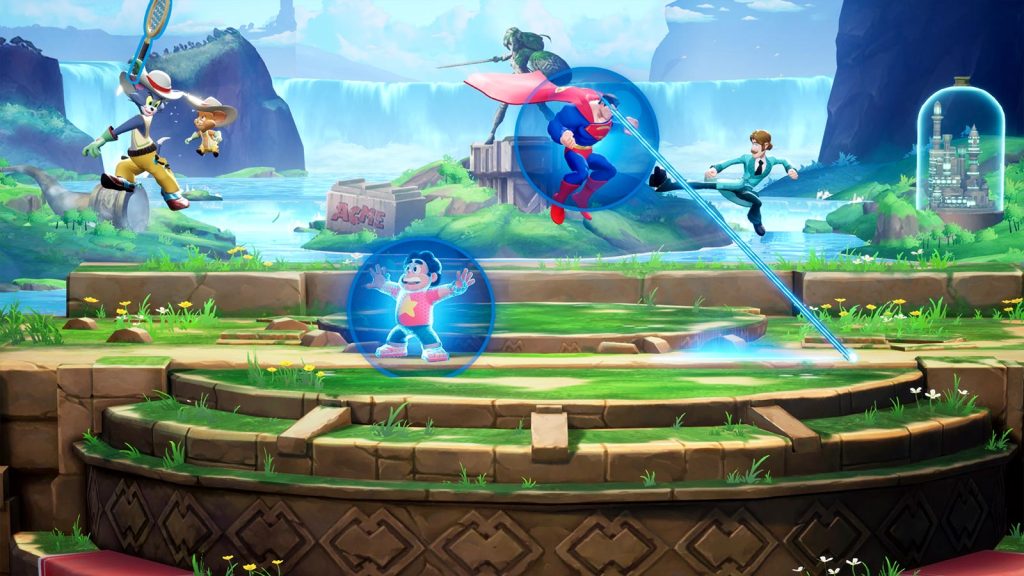
Crossplay in MultiVersus enables players on all supported platforms—PC (Steam or Epic Games Store), PlayStation, and Xbox—to seamlessly matchmake and compete against each other. This feature not only facilitates playing with friends regardless of their chosen platform but also ensures that players’ progress is preserved across different devices. Players can effortlessly save and continue their progress between platforms by linking gaming platform accounts, such as Steam, Epic Games Store, Xbox, or PlayStation, with a WB Games account. This integration enhances the flexibility and continuity of gameplay, providing a unified and inclusive gaming environment for all MultiVersus players.
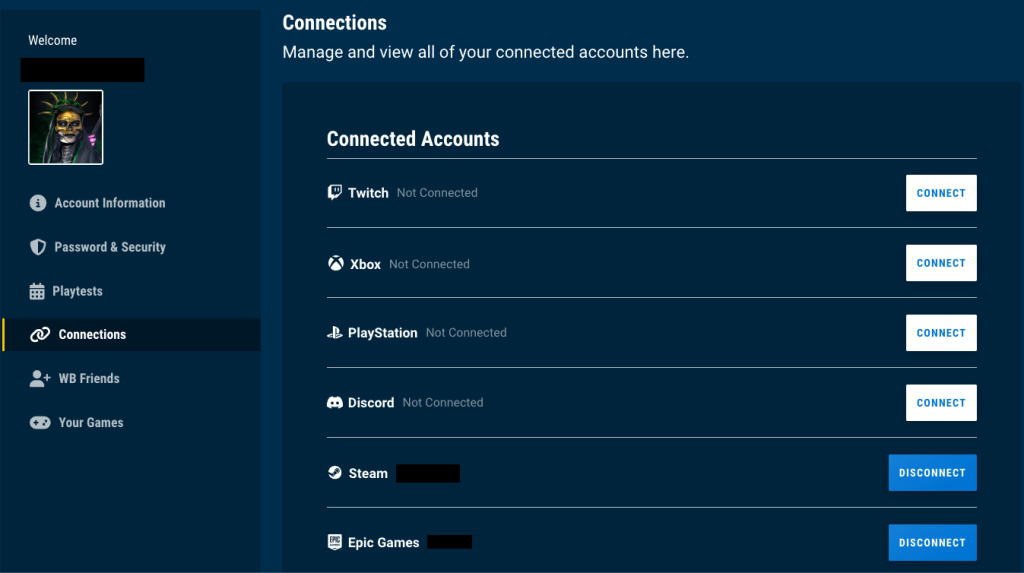
But How Does One Link Their Accounts?
First off, you’ll need to create a WB Games Account, which is required to utilize the MultiVersus Crossplay features and to share MultiVersus content and progression between supported platforms.
Once created, Players can then visit the Connection page on the WB Games Account site and link the Console or PC platform that they are playing MultiVersus on.
Once linked, you can also use your WB Games Account to add friends through their WB Games Account, accessed via the Online Social menu.
How Do You Enable Crossplay?
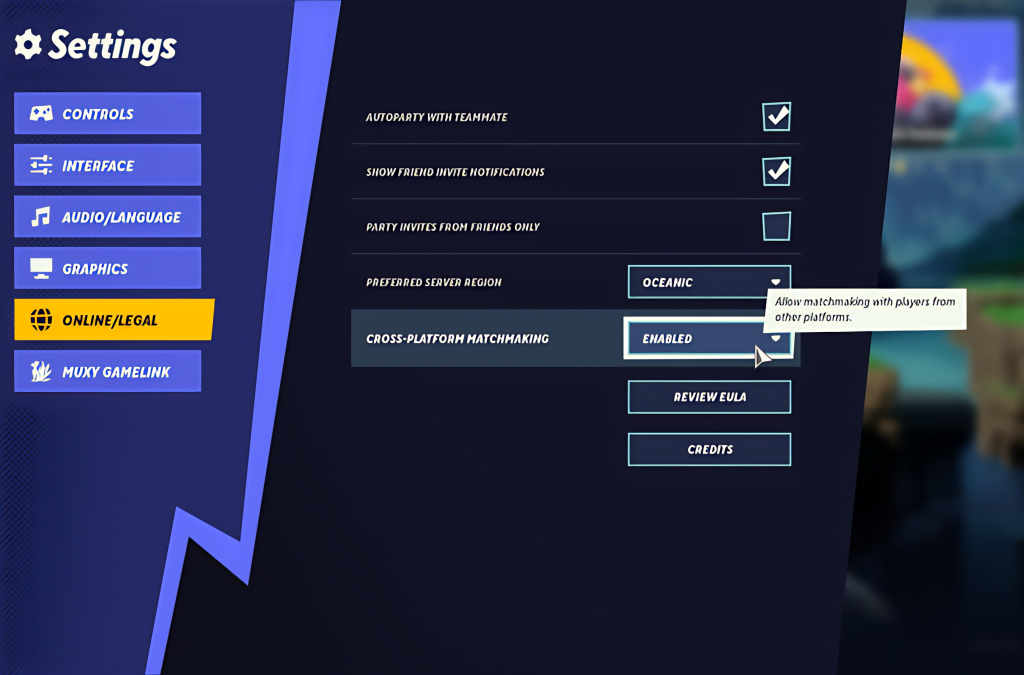
To enable cross-platform matchmaking in MultiVersus, navigate to the settings and select Online/Legal. Scroll to the bottom of the page to find the cross-platform matchmaking option. Ensure this option is enabled, and you’ll be all set.