Starting today all broadcasters and their editors can now upload a custom thumbnail for any of your past broadcasts or highlights. If you created a VOD in the last month, the option to upload custom thumbnails may not be available until early next year.
Here’s how you get started:
- Go to your Video Manager.
- Click Edit on any past broadcast or highlight.
- Select Choose File under the Upload Custom Thumb section.
- Select your image.
- Image must be 16:9 (minimum size 1280 x 720).
- Please note that you must have rights to any thumbnail images that you upload. Uploaded thumbnails are subject to the Terms of Service and Rules of Conduct, as well as to DMCA guidelines.
- Click Upload.


Related Articles
- Uncategorized
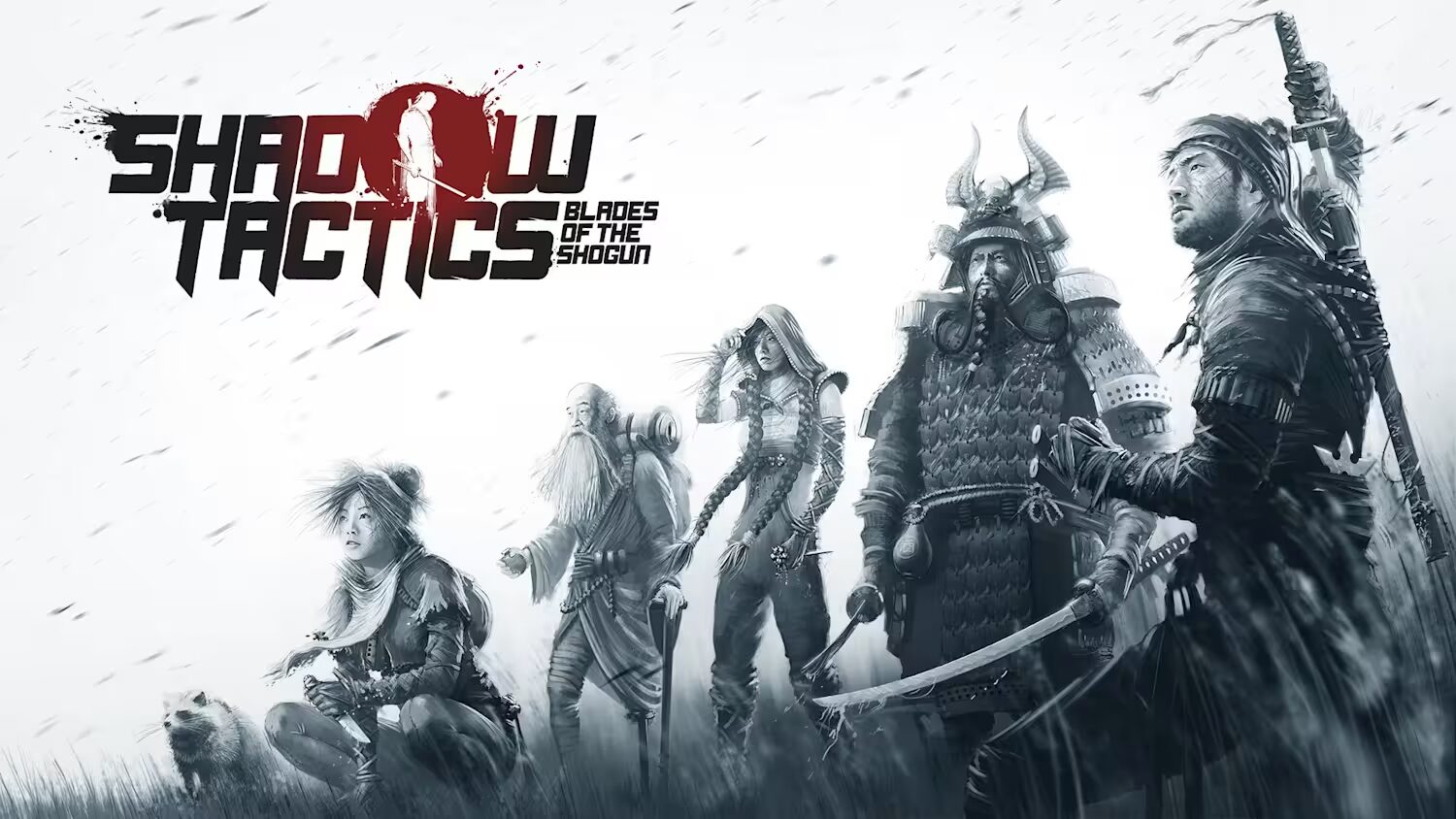 Mini Review: Shadow Tactics: Blades of the Shogun (Switch 2 Edition)
April 6, 2026
- Uncategorized
 Nintendo announces Treehouse: Live featuring Pokemon Pokopia and Super Mario Bros Wonder
February 23, 2026
- Uncategorized
 Sonic Racing: CrossWorlds Nintendo Switch 2 Edition releases December 4
November 6, 2025


- UncategorizedMini Review: Shadow Tactics: Blades of the Shogun (Switch 2 Edition)
April 6, 2026
- UncategorizedNintendo announces Treehouse: Live featuring Pokemon Pokopia and Super Mario Bros Wonder
February 23, 2026
- UncategorizedSonic Racing: CrossWorlds Nintendo Switch 2 Edition releases December 4
November 6, 2025
- Uncategorized
 Review: Yooka-Replaylee
October 30, 2025