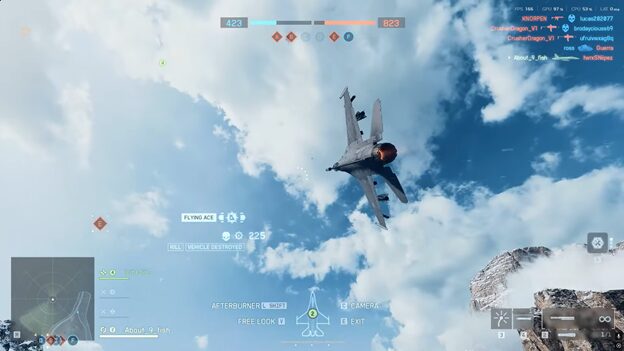
Discover everything you need to know about jets and helicopters with this complete flying guide in Battlefield 6, including how to fly them and tips to keep in mind.
Flying the helicopters and jets in Battlefield 6 is one of the most skill-based and thrilling parts of the game. Mastery comes from control, awareness, and smart tactics if you’re shredding the skies in a jet or providing cover fire in a helicopter. Always attack from above or behind and wait for a solid lock before firing. Thrust Vectoring works in modern-day fighter jets.
Piloting the helicopter and jets in Battlefield is a challenging and fun task. You can absolutely demolish the enemy jets and helicopters if you master how to fly these aircraft types effectively. Both the controls of these air vehicles are the same, but you can change them based on your personal preference. In this guide, we’ll discuss how to fly jets and helicopters in Battlefield 6, including some useful tips and tricks.
How to Get Jets & Helicopters in Battlefield 6
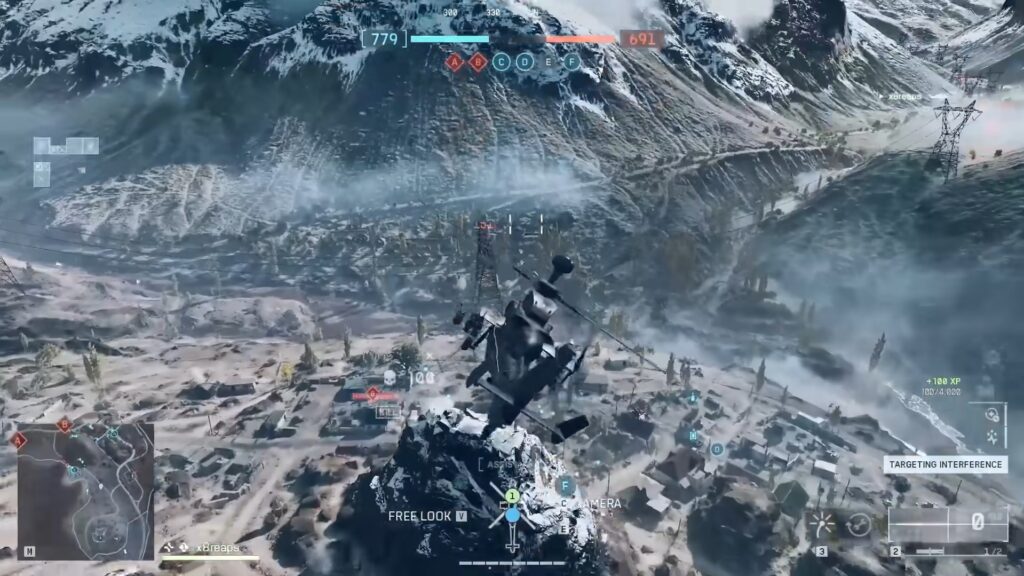
Get inside the helicopter or jet from the spawn screen by tapping on their icons at your team’s base while playing the regular Battlefield 6 modes. The game mode and map can influence the limitations of the vehicle. Make sure to play Escalation on Operation Firestorm or Mirak Valley, allowing you to play with a jet or a helicopter.
Both the Firestorm and Mirak Valley feature these air vehicles. You and your team can get access to these vehicle types after progressing through the round. You have to run up to a nearby air vehicle and get inside it at the beginning of every match in BF6.
Controls of Jets and Helicopters
The default controls for helicopters and jets in BF6 are the same on the controller. Below are all the keys you need to use to pilot these aircraft.
| Control | Function |
|---|---|
| Right stick | Pitch and roll |
| Left stick | Yaw and throttle |
| R2/RT | Fire Weapons |
| L2/LT | Zoom in |
| Right stick | Shift Camera Angle |
| Left stick | Turn on afterburners |
| D-pad left | Activate equipment slot 1. |
| D-pad right | Activate equipment slot 2. |
| d-pad down | Activate freelook mode |
| Square/X | Exit Vehicle |
Pressing the right stick on the controller allows you to tilt the nose of the aircraft and rotate it. You can pitch your aircraft down by jumping and hitting the right stick forward. Pressing the left stick allows for turning left and right, and the throttle for speed and slowing down. Press the R2 or Rt the fire the weapons after they are locked on. Switch between weapons by pressing the Triangle and Y buttons.
How To Fly a Helicopter in Battlefield 6
Flying a helicopter in Battlefield 6 isn’t just about staying airborne. It’s about hunting and racking up kills. So, you’re going to want to read the map, pick your fights, and strike before the enemies even know you’re there. Your first goal isn’t going to be to get kills. It’s going to be to make the chopper go exactly where you want it when you want it to.
1. Throttle
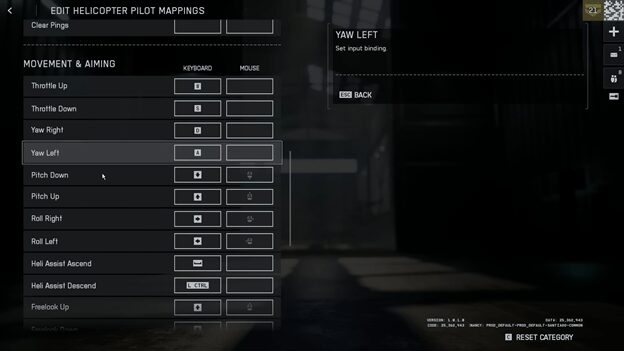
On the controller, forward and backward on the left stick to change your throttle. This allows you to ascend by increasing the power with the forward motion and descend by holding the stick backward. On keyboard and mouse, shift and space will do the same.
2. Yaw
To rotate the helicopter, you want to use left and right on the left stick on the controller or A and D on the keyboard to effectively turn the body of the helicopter to face left or right.
3. Rotate
Further control is then done through tilting and pitching. You can tilt the nose down slightly with your pitch control, which is done by pressing the right stick forward or holding the W key. With this, you’ll feel the helicopter start to move forward. The more you pitch, though, the faster you will move, and you’ll start to lose altitude. So try to give it more throttle with W to hold it level and gain speed. The same will go for backwards, left, and right.
4. Alternate Buttons
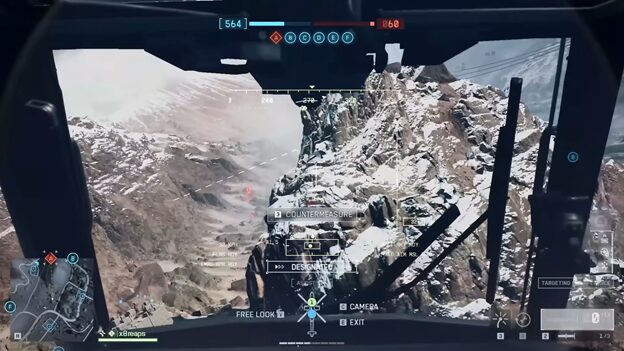
For controller players, though, I highly suggest using the alternative buttons option so the throttle is on the triggers. This lets you manage lift with your index fingers and shoot more naturally with the right shoulder button.
Tips and Tricks to Pilot a Helicopter
Make sure to get in the habit of using the free look to scan around you without having to impact your flight controls. This is like having a turret view without actually turning your helicopter.
1. Sharp Turns
For sharper turns, try utilizing rotate and roll inputs together. So, on the mouse and keyboard, this is like holding D and turning the mouse right for a sharper and faster right turn. Basically, the TLDDR version of simple helicopter controls is to tilt the helicopter in the direction you want to go and then use the throttle to move in that direction. It takes a little bit of practice, but you will get used to it.
2. Hovering
If you want to hover in place, just return to neutral and let go of the controls, and you’ll slowly hover in place, and you can make micro adjustments as needed.
3. Change the Settings
If the Helicopter Control Assist is on, turn off the Helicopter Assist Mode, as this will stop the game from fighting against your inputs. For mouse and keyboard players, I highly recommend raising your vehicle sensitivity settings to 100. This will allow you to have more accurate and faster mouse responses. If you are unsure, though, try slowly raising this and testing it until your quick corrections feel snappy without overshooting.
4. Combat
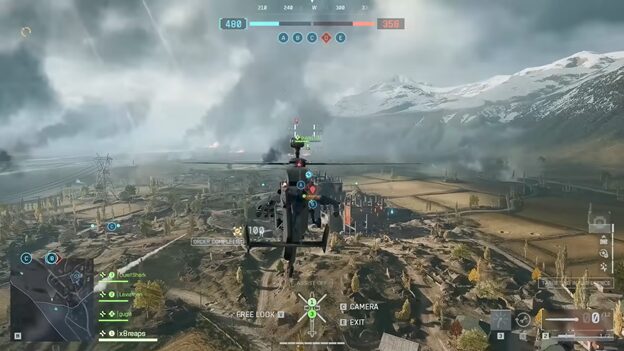
When it comes to combat, you want to know a few tips that will make a huge difference. In a helicopter, you pretty much have everything you need to take out any enemy. The helicopter pilot has access to guided rockets, which are good at taking out infantry on strafes.
5. Locked On
Anytime you lock onto an enemy or they to you, you will get a visual and audio warning. This lets you know you are locked or, worse, have an incoming missile heading your way.
6. Gunner
If you are the pilot, you also need to be mindful of utilizing your secondary seat in the vehicle, your gunner. For the gunner, you have a cannon that can be freely aimed in a large radius under the front of the helicopter. This is mainly used for taking out infantry, and it can fire very fast.
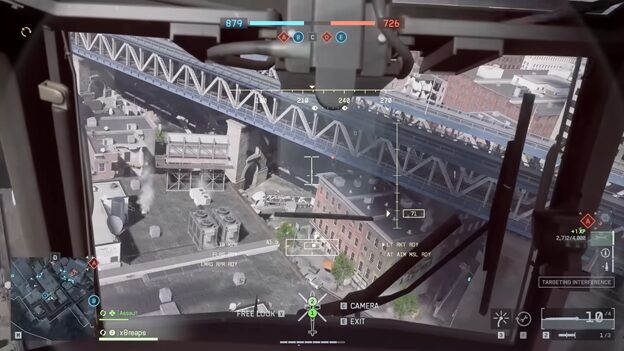
The gunner is also able to use air-to-ground lock-on missiles, which are pretty OP against tanks and other vehicles. You can lock on from pretty far away.
7. Flares
Flares are a vital part of our defense in the sky. These will confuse any locked-on missiles, causing them to miss you. You’re able to pop your flares with the left on the D-pad on the controller or three on PC.
8. Terrain Cover
At low altitudes, the terrain itself can mask and block you. However, you can also use vertical cover or just disengage. You can use the ground itself as your shield. Try flying just above terrain so that the ridgelines and buildings around you will block bullets and missiles.
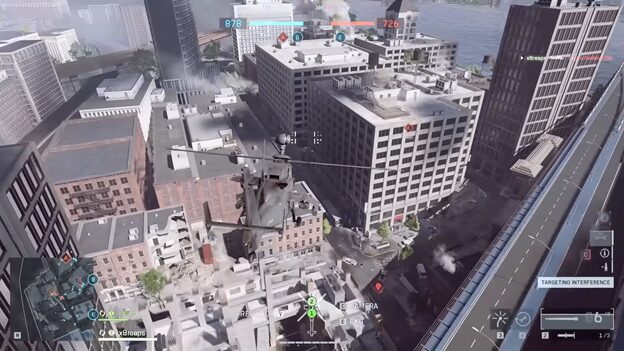
For objective pushes, you can use hit-and-run tactics by hiding behind cover, then rising for a few seconds to fire, and then dropping back into cover. The idea is to be exposed only long enough to deliver all of your damage.
How To Pilot Jets
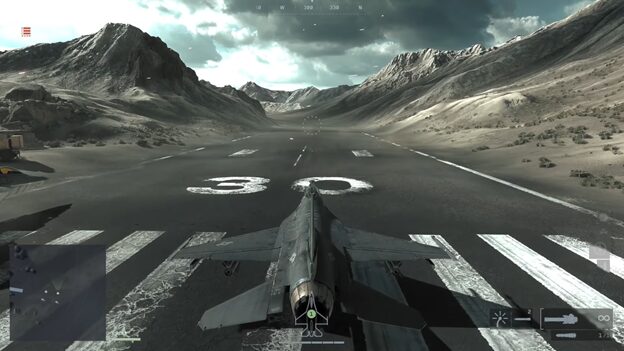
We have the first weapon in jet that is the 20mm cannon has unlimited ammo in Battlefield 6. You can see the red circle in the middle that starts to build up as it overheats. You need to make sure not to let it overheat all the way. Otherwise, it will be in a full cooldown.
You can shoot down enemy jets, but your main priority should be the helicopters. Focus on strafing attacks on ground targets if you have air superiority. Use afterburners when necessary and make sure to adjust your throttle while flying.
1. Dogfighting
The enemy jets in Battlefield 6 are going to be your biggest threat. They do so much damage and go for all vehicles versus vehicles in the battlefield. The air radar at the moment seems kind of broken. Even if you’re within range of an enemy jet, it doesn’t really show up on the air radar.
2. Fighter Jet Bombs
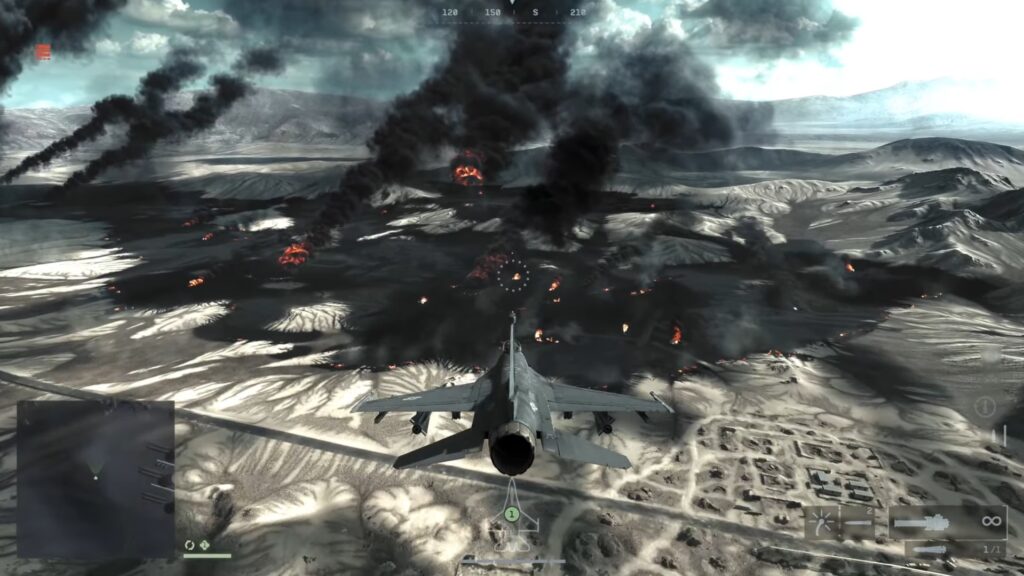
When it comes to the two fighter jets in the game, the cannons on them work pretty much the same as they do on the attack jets. However, this time around, you don’t get AGMs, and you have very different bombs. The way the bombs work on the attack jet is that as soon as you hit the fire button, they will drop bombs away.